
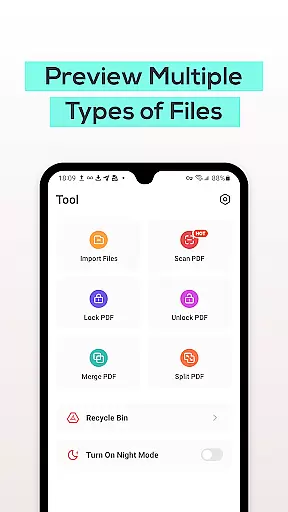
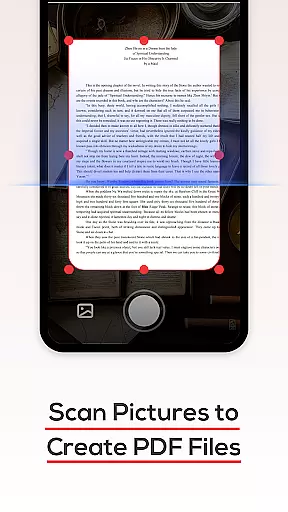
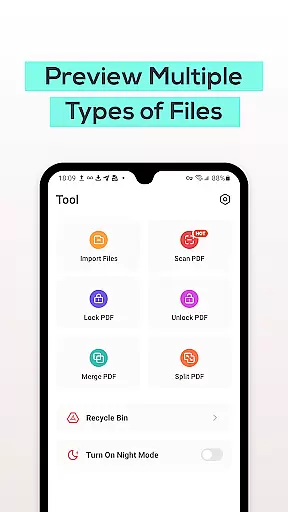
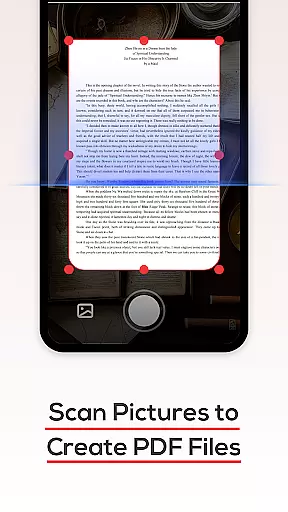
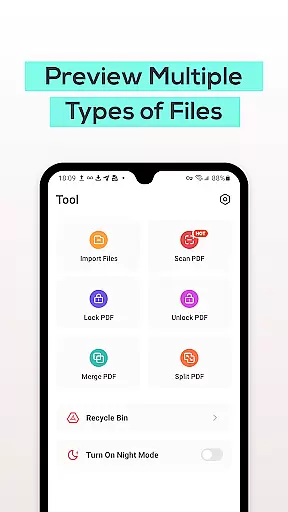
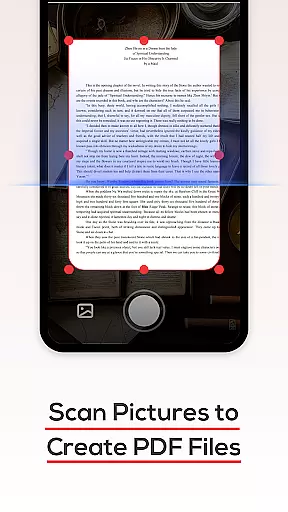
PDF File Reader is a powerful productivity tool designed to help users efficiently manage PDF files on their mobile devices. The app supports quick processing of PDF documents and offers additional functionality for viewing Word, PowerPoint, and Excel files.
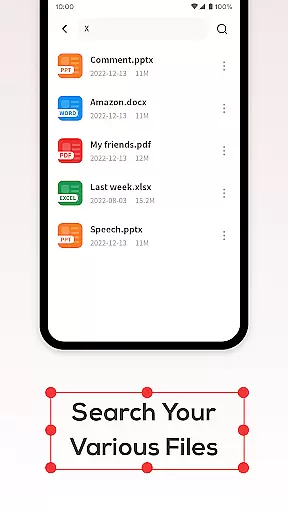
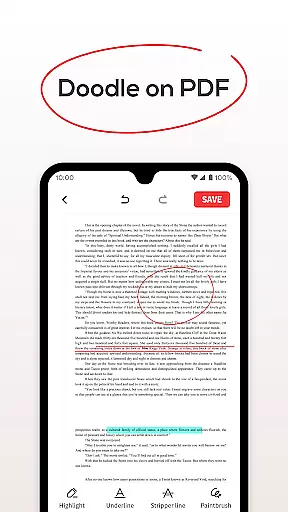
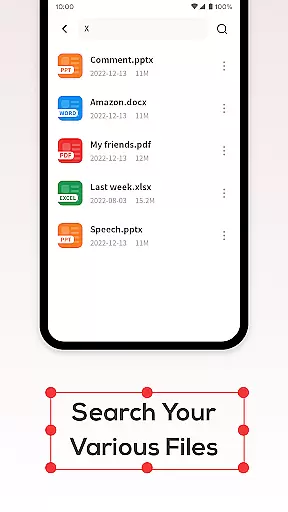
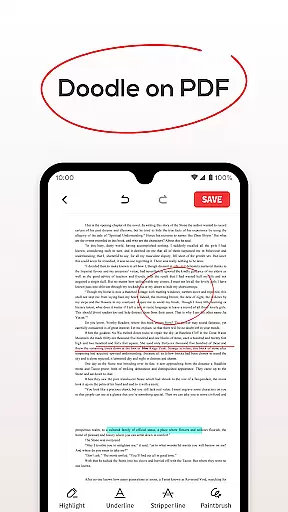
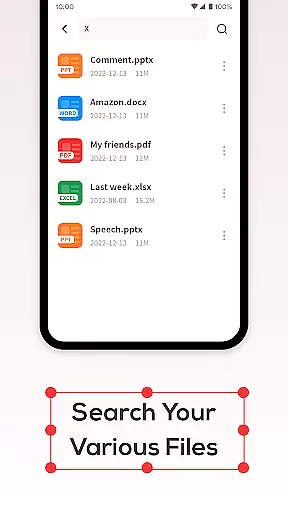
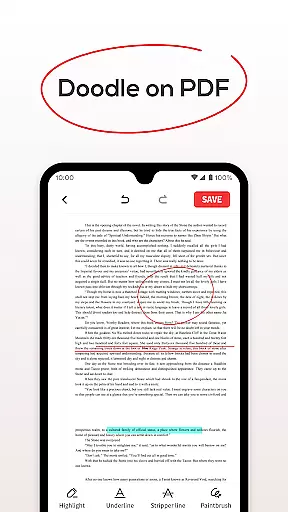
One of the core features is its ability to open PDF files and allow users to perform simple editing operations such as adding highlights, fills, and underlines to text. The app also includes a handy search function that allows users to quickly locate specific PDF documents without long wait times. Additionally, the Recycle Bin feature provides a safety net when deleting files, allowing users to either delete files permanently or move them to the Recycle Bin where they will be stored for seven days before being automatically removed.
This app is particularly useful for professionals who need to manage and edit PDF documents on the go. By offering essential tools for document management, PDF File Reader streamlines work tasks and enhances productivity.
PDF File Reader stands out with its comprehensive set of features tailored for efficient document management. Users can easily open and view PDF files while performing simple edits like highlighting, underlining, and filling in text. This functionality makes it easy to annotate important information directly within the document.
The app's search capability ensures that users can quickly find the PDF files they need without delay. Whether you're searching for a specific document or browsing through multiple files, the search function is both fast and reliable. Another notable feature is the Recycle Bin, which temporarily stores deleted files for seven days before automatic removal. This gives users peace of mind knowing they have a grace period to recover accidentally deleted documents.
With support for viewing Word, PowerPoint, and Excel files, PDF File Reader goes beyond just handling PDFs. This versatility makes it an all-in-one solution for managing various types of documents on your mobile device, significantly boosting your productivity.
In the realm of productivity, managing tasks efficiently is paramount. PDF File Reader excels in this area by offering a streamlined approach to handling PDF documents. This application allows users to not only view PDF files but also perform essential edits that enhance document readability and organization.
With features such as highlight fills and underlines, users can emphasize important text within their PDFs, making information retrieval swift and effortless. These annotation tools are crucial for individuals who need to review or study documents on-the-go, ensuring that key points are easily accessible when needed.
The app's ability to search through PDFs quickly adds another layer of efficiency. Users no longer have to scroll endlessly; instead, they can jump directly to the section they need, saving valuable time. This functionality supports professionals and students alike in maintaining an organized workflow without unnecessary disruptions.
For those who work across multiple devices, reliable cross-device synchronization is vital. PDF File Reader addresses this need by providing seamless integration between your smartphone and other platforms where you might access your files. While specific sync features aren't detailed in the description, we understand its importance in a comprehensive productivity tool.
The recycle bin feature further enhances data management by safeguarding against accidental deletions. By allowing users to recover files within seven days, it ensures that important documents are not lost permanently due to oversight or error. This safety net gives peace of mind when managing critical business or personal documents.
Moreover, with options for direct deletion or moving files to the recycle bin, users maintain control over their document lifecycle. Such flexibility empowers them to manage storage space effectively while keeping essential materials secure until they're truly ready to discard them.
User-friendly interface
Fast document search
Recycle Bin for safety
Supports multiple formats
Simple text editing
Limited advanced features
No cloud integration
Ads may appear
Basic file encryption
Occasional bugs

Unlock AutoNotification
 4.00
4.00
The upgraded version of Name Wheel with AI and the power to add your own wheels.
4.1
Device's storage information in a simple and clear graphical form (infographics)
4.10
Pwnagotchi companion app
4.20
ID.me Authenticator is a simple and free Two Factor Authentication solution
3.50
The AI assistant that thinks with you - write, code, and solve complex tasks
4.60
Scientific calculator for Android - looks and operates like the real thing!
4.90
Browse and view your photos and videos from the phone with photo & video hide.
4.10
2026 USPS Alpha/Color coded calendar Sunday/Rotating day off schedules
4.1
Great calculator for Android named one of USA TODAY's "25 Essential Apps".
4.90
Simple notepad & memo. Take notes, to-do list, shopping list with reminders.
4.80
A beautiful digital clock with autostart and many other functions
4.70
Scan paperwork into PDF/JPG, generate your own e-signature and send fax or email
4.70
Okta MFA
4.70
Experience real multitasking on your Android!
4.00
* block pre-roll ads, pop-up and forced redirect ads * Samsung certification app
4.00
A Revolutionary All-in-One Artificial Intelligence Tools
3.80
Mega cloud explorer plugin for Solid Explorer
3.80
Easiest event planning, volunteer signups & parent teacher conference scheduling
2.20


User Reviews