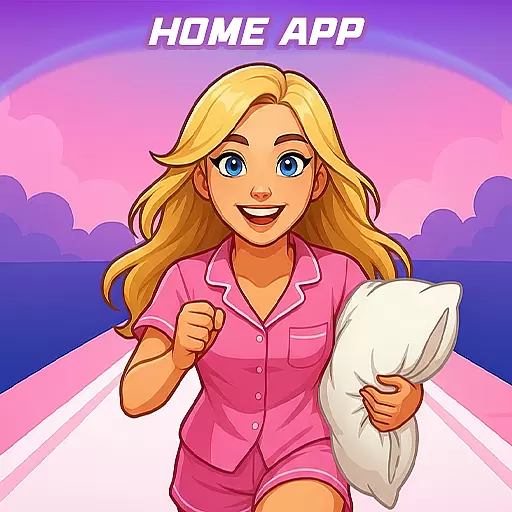
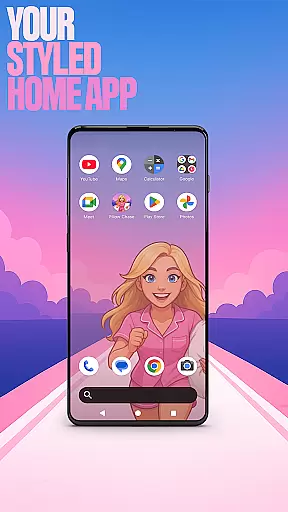

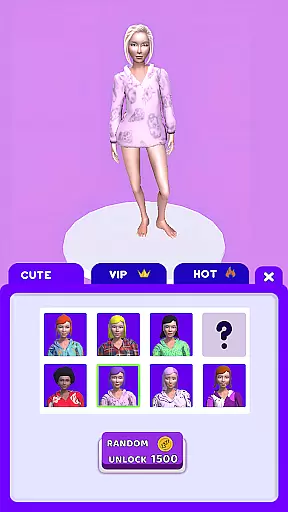
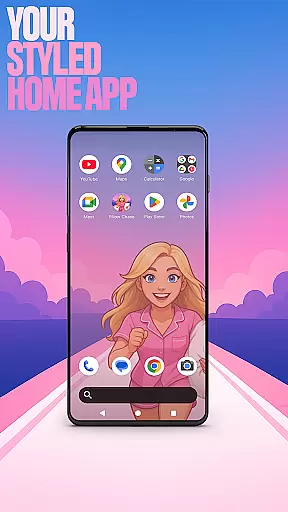

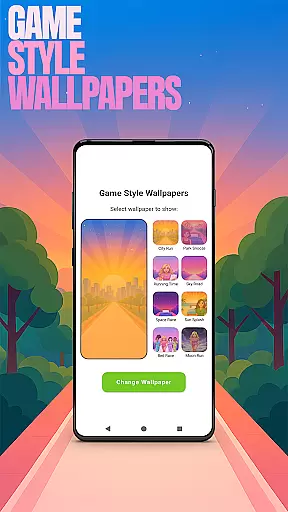
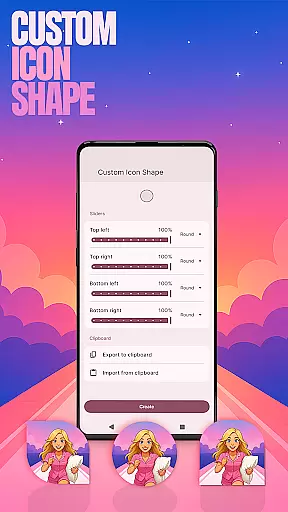
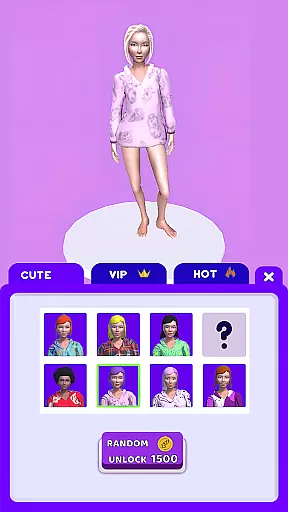
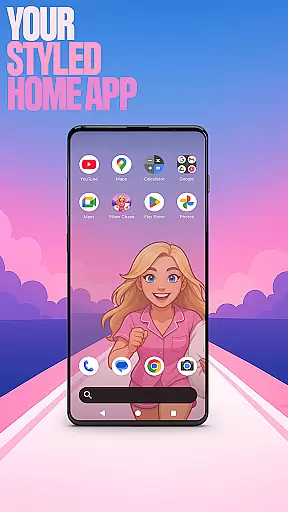

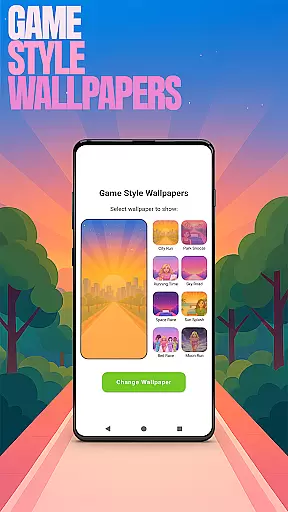
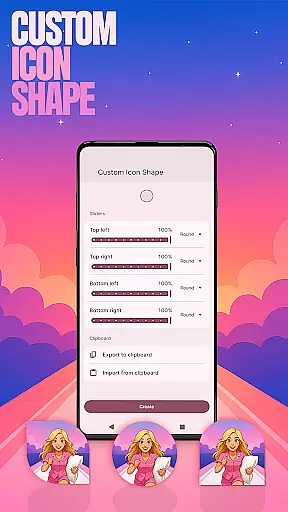
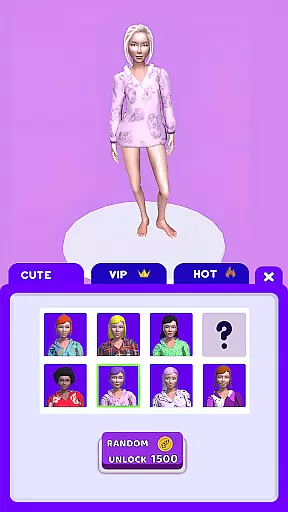
Pillow Chase Home App is a launcher app that allows users to create a personalized home screen. It offers full customization of the layout, folders, and colors, providing a fresh style for daily use. The app also includes an exciting game called Pillow Chase, where players run, dodge, and race through obstacles while collecting pillows.
With its unique features like Game Style Wallpapers, Custom Icon Shape, and Custom Gestures, this app enhances user experience by allowing them to tailor their device's appearance and functionality. Users can switch back to their previous launcher anytime, ensuring flexibility and control over their home screen environment.
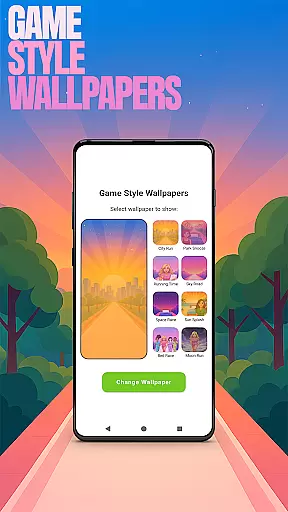
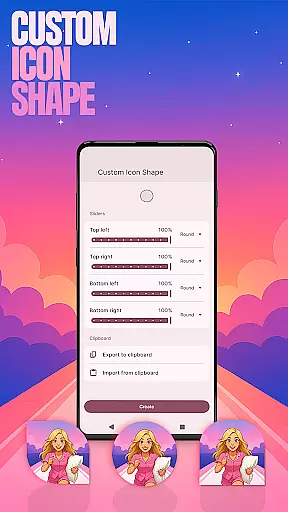
The Pillow Chase Home App stands out with its extensive customization options. Users can personalize their home screen with Game Style Wallpapers inspired by the Pillow Chase game, choose from various Custom Icon Shapes, and set up Custom Gestures for quick access to apps or settings.
Additional features include the ability to Hide Apps for privacy, and Accent Color customization to match personal preferences. These functionalities ensure that users have complete control over both the aesthetic and operational aspects of their home screen, making it truly their own.
Customization is at the heart of Pillow Chase Home App, offering users a wide array of options to personalize their home screen. This app allows for complete control over the layout, enabling users to arrange and design their digital space in a way that truly reflects their personal style.
With features like custom icon shapes, accent color settings, and unique game-style wallpapers, users can tailor every visual aspect of their interface. The ability to create folders and choose from various colors adds another layer of personal touch, making each home screen distinctively unique.
The app's customization extends to functional elements as well. Users can set up custom gestures for quicker access to apps or settings, enhancing both usability and efficiency. This level of personalization ensures that the launcher not only looks good but also works intuitively according to individual preferences.
By providing such extensive customization options, Pillow Chase Home App empowers users to craft a digital environment that is both comfortable and efficient, significantly improving their daily interaction with their device.
Pillow Chase Home App excels in theme compatibility, ensuring that all visual modifications and customizations maintain coherence across the user's interface. This means that whether you're applying a new accent color or selecting a playful icon shape, these changes will integrate seamlessly with your overall theme.
The app offers presets for those who prefer a guided approach to theming, alongside the freedom to create unique styles. This dual approach caters to both users seeking quick aesthetic enhancements and those who wish to delve deeper into detailed customization.
Moreover, the availability of game-style wallpapers inspired by the Pillow Chase game adds an element of fun while maintaining visual harmony. These thematic elements ensure that despite extensive personalization, the user experience remains cohesive and engaging.
Ultimately, Pillow Chase Home App's commitment to theme compatibility allows users to express their individuality without compromising on functionality or visual appeal, creating a personalized yet unified digital space.
Highly customizable
Unique game integration
User-friendly interface
Flexible privacy controls
Vibrant design options
May overwhelm new users
Limited default themes
Game may distract
Occasional bugs
Not for minimalists

Unique Android Launcher
 4.60
4.60
Nothing Icon pack with more than 3750+ highly crafted icons.
4.70
Adaptive Dot Style IconPack with Light & Dark Theme.
3.70
Icons made of colorful linear lines
4.60
Adorable pets roam and play right on your phone screen!
3.30
200+ Material Inspired Widgets
4.50
A minimalist productivity launcher. One-hand-friendly. Zero ads.
4.70
Customize phone with anime themes, 3D icons, aesthetic widgets & wallpapers
4.80
Your home screen, just the way you like it.
3.80
Winter's Journey: digital watch face for Galaxy Watch & Wear OS
4.80
One 8 icons glass color version
4.80
A retro cartoon style watch face and a punch right in the face of the copyright
4.60
300+ Beautifully crafted widgets inspired by OneUI.
4.60
300+ widgets inspired by Material You and Material 3 expressive design.
4.60
Ultra realistic gold analog watch face with lots of customization options.
4.50 4.50
4.50
Adult video chat, dating, making friends, random matching
4.20
More than 3000+ themes and 9000+ wallpapers for everybody!
4.10
⭐ OneUI inspired Fluffy Icon Pack – Soft. Stylish. Standout. ⭐
4.1


User Reviews