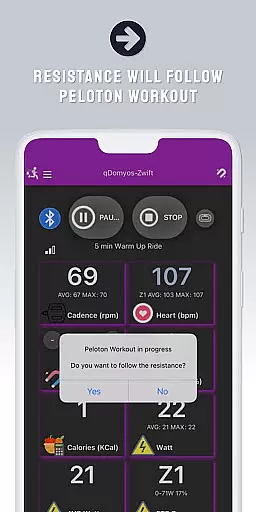
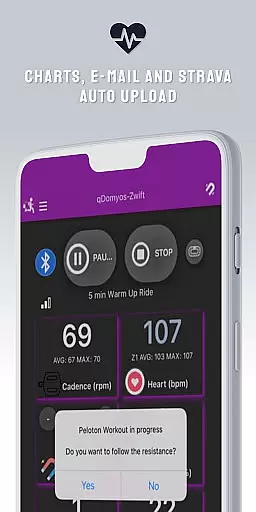
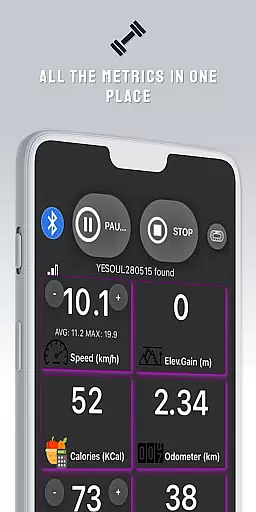
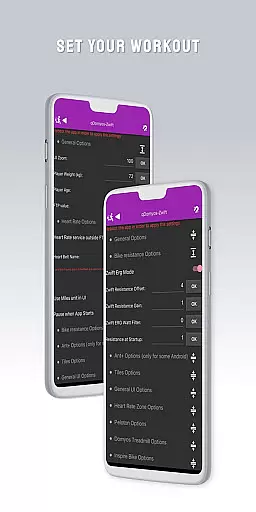
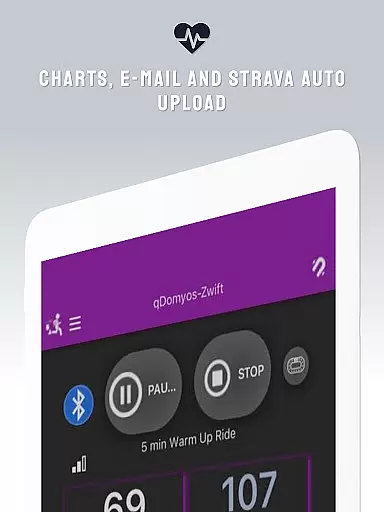
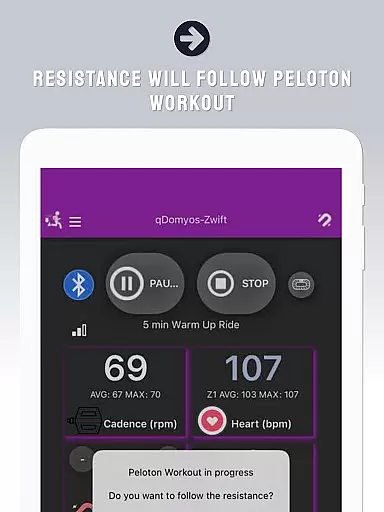
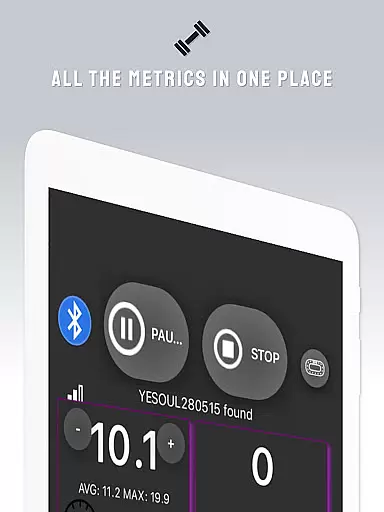
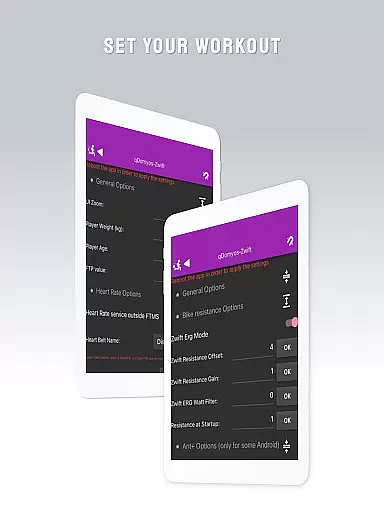
QZ is a versatile application designed to enhance your workout experience by connecting various exercise equipment to Zwift. This app breathes new life into machines from brands like Domyos, Echelon, Proform, Flywheel, Yesoul, and Toorx, allowing them to integrate seamlessly with Zwift's virtual training environment. With QZ, users can enjoy automated resistance adjustments during Peloton workouts and benefit from the Strava Autopload feature.
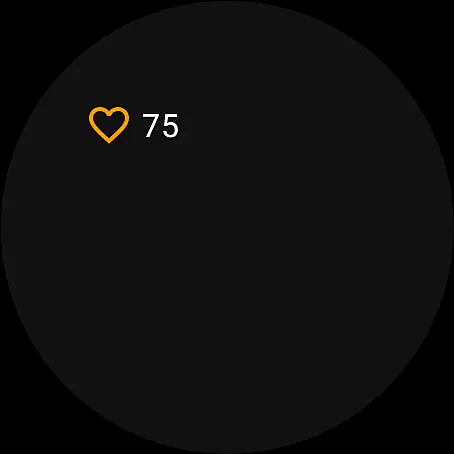
Additionally, QZ supports Wear OS, enabling heart rate monitoring directly from compatible smartwatches. The app's compatibility spans a wide range of devices including bikes, treadmills, and ellipticals from multiple manufacturers. Whether you're using a Keiser M3i bike or a JK Fitness treadmill, QZ ensures that your equipment works harmoniously with modern fitness platforms, enhancing both functionality and user engagement.
One of the standout features of QZ is its broad compatibility with a variety of exercise equipment. It supports all Echelon and Domyos bikes, treadmills, and ellipticals, along with models from Keiser, Yesoul, Sportstech, Inspire, Schwinn, Toorx, Fassi, Proform, Flywheel, and JK Fitness. This extensive support allows users to connect their existing machines to advanced fitness platforms without needing new hardware.
Another key feature is the automated resistance adjustment for Peloton workouts, which enhances the realism and effectiveness of training sessions. The inclusion of Strava Autopload functionality means users can effortlessly share their achievements online. Furthermore, the integration with Wear OS devices enables accurate heart rate monitoring, providing valuable data to optimize workouts and improve overall performance.
Companion app integration is essential for users who want a seamless experience between their wearable devices and main applications. QZ offers robust companion app features that ensure your Wear OS device works in harmony with the primary app.
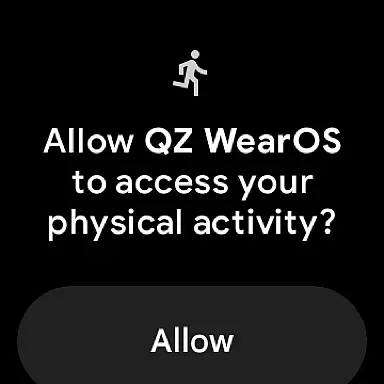
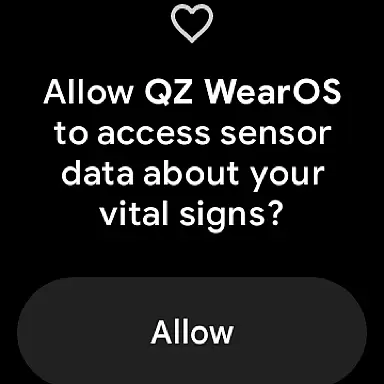
The app allows you to connect your smartphone to treadmills or bikes, enabling Zwift to recognize your equipment effortlessly. This connectivity extends to reading heart rate data from your Wear OS watch and transmitting it to the main QZ app, ensuring all your fitness metrics are centralized.
By integrating with Strava, QZ also supports automatic uploads of your workout data, enhancing your ability to track progress over time. This comprehensive integration ensures that whether you're using a Domyos bike, Echelon setup, or Peloton equipment, your data flows smoothly across devices.
Ultimately, this companion app integration provides a unified ecosystem where users can enjoy automated resistance adjustments, real-time performance tracking, and effortless data synchronization, making workouts more efficient and engaging.
Wear OS and device compatibility is crucial for users looking to maximize their wearable technology's potential. QZ stands out by offering extensive compatibility with various exercise machines and Wear OS devices, ensuring a broad range of users can benefit from its features.
The app supports a wide array of equipment, including all Echelon and Domyos bikes, treadmills, and elliptical machines. It also works seamlessly with Keiser M3i bikes without needing a converter and integrates with Yesoul, Sportstech, and Inspire bikes. For those using Schwinn IC4, Bowflex C6, or Toorx equipment, QZ ensures full functionality.
In addition to supporting numerous exercise machines, QZ is compatible with Wear OS, allowing users to download the app on their smartwatches. This compatibility enables the watch to read heart rate data and send it to the main QZ app, providing a holistic view of your fitness metrics.
With such extensive device compatibility, QZ empowers users to utilize their existing equipment fully, enhancing their workout experience through advanced connectivity and real-time data sharing.
User-friendly interface
Wide device compatibility
Automated resistance control
Strava Autopload support
Wear OS integration
No official endorsement from equipment makers
Limited Proform treadmill support
Requires separate cadence sensor for some models
Potential connectivity issues
Dependent on third-party platforms

Walking app for weight loss: walk & step tracker, pedometer, indoor treadmill
 4.60
4.60
Deck out your Wear OS Watch face with a beautifully decorated pine wreath!
4.50
Beautiful, colorful and practical watch face. For Wear OS devices.
5.00
Monitor health with the stress test and pulse checker in the heart rate app.
4.60
Nutrition, Macro tracker: Food, fitness & healthy diet tracking for weight loss
4.60
Animated video-game inspired “secret agent” simulation, right on your wrist!
4.20
Want to take charge of your health? Let Google Fit help you reach your goals.
3.50
Track airplanes and follow flights with our real-time flight tracker
4.50
Toyota app currently supports 2010 or newer vehicles (2018 or newer for Hawaii).
4.50
Christmas Theme Watch Face for Wear Os
5.00
Digital, flexibly customizable watch face. For Wear OS 5.0, API 34+ and later.
5.00
A modern hybrid informative watch face for Wear OS designed by BALLOZI
4.80
To-Do List: daily schedule planner, task organizer, to do reminder app, calendar
4.60
Embrace the holiday spirit with this magical animated watch face!
4.40
Find EV charging stations
4.30
The ultimate destination for kids ages 3-8 to explore the Marvel Universe!
4.30
Embrace the festive spirit with our Christmas Countdown watchface for Wear OS
4.10
A Wintery Snow Globe on Your Wrist; now celebrating Christmas!
4.4
Sleek, highly customizable watch face inspired by Galaxy Watch Circle Dashboard.
4.3


User Reviews