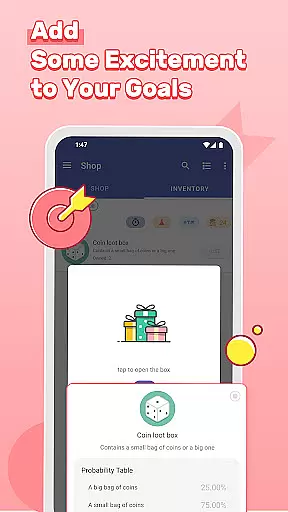
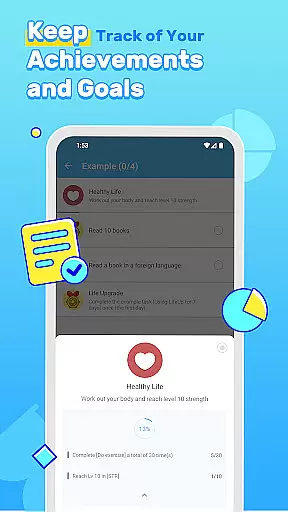
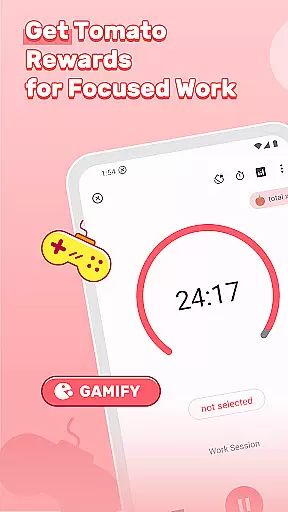
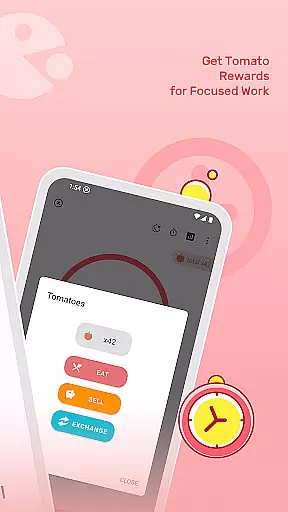


LifeUp is a hyper-customizable productivity RPG app that allows users to create their own gamification rules. It transforms daily tasks and habits into an epic quest designed by the user, offering a unique approach to personal development. With features like earning EXP for completed goals, gaining coins for real-life rewards, and leveling up self-created skills, LifeUp provides a personalized experience.
The app supports offline-first functionality with optional cloud sync, ensuring privacy and accessibility. Its one-time payment model includes all features without ads or subscriptions, making it a cost-effective solution for those seeking a distraction-free environment to enhance productivity.
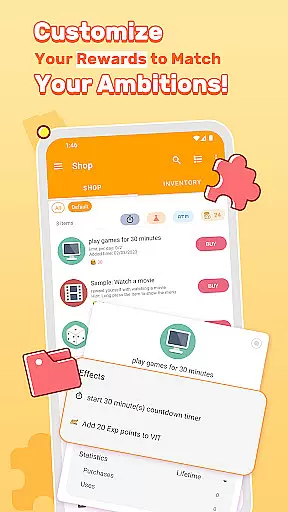
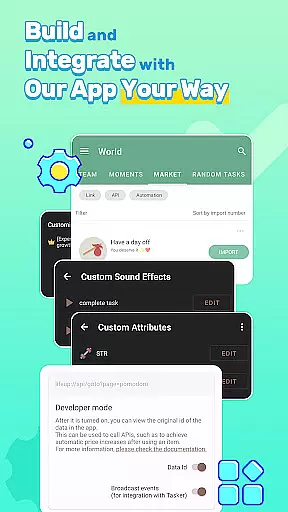
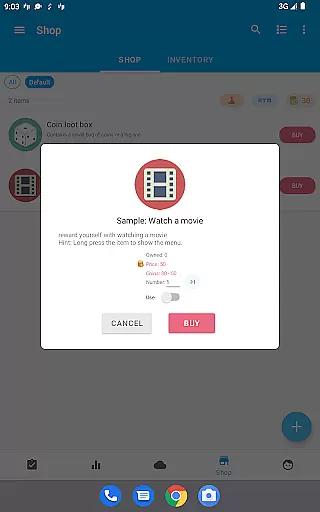
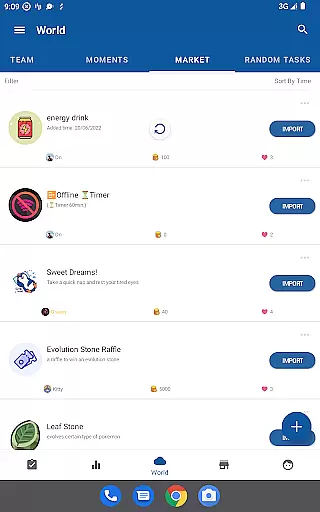
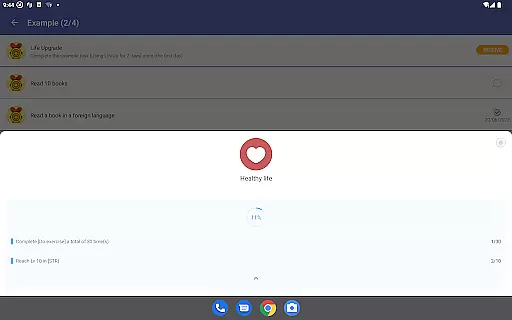
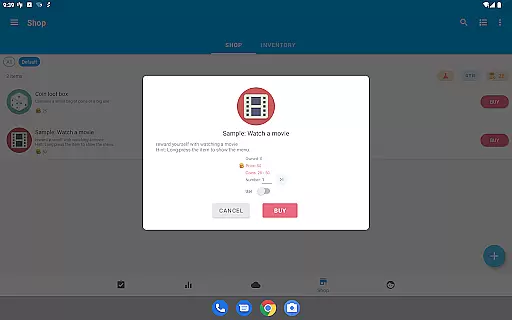
LifeUp stands out with its extensive customization options, enabling users to design their skills, build a personal shop, and set milestones. This flexibility allows for the creation of a personalized gamification world where users can link tasks to real-life skills such as 'Coding' or 'Fitness', motivating them through self-defined rewards.
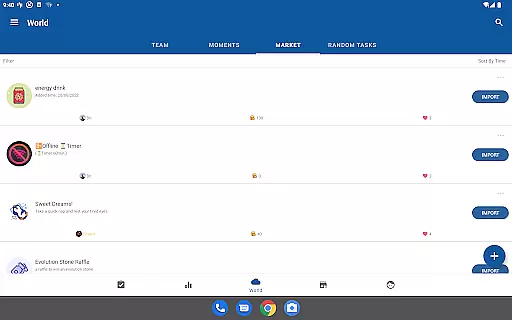
Beyond gaming elements, LifeUp offers powerful productivity tools including complete to-do functions, habit tracking, and a feelings tracker. Users can join task teams, browse community ideas, and enjoy high customization with themes and widgets, enhancing both engagement and practicality in managing daily activities.
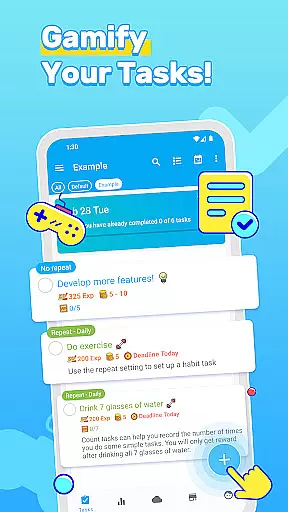
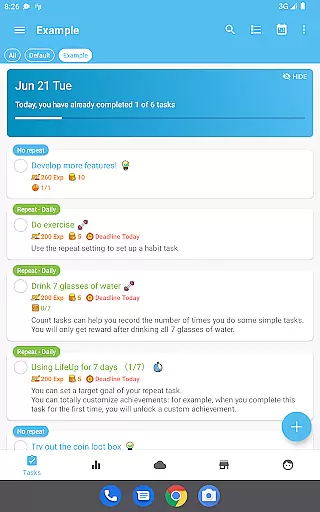
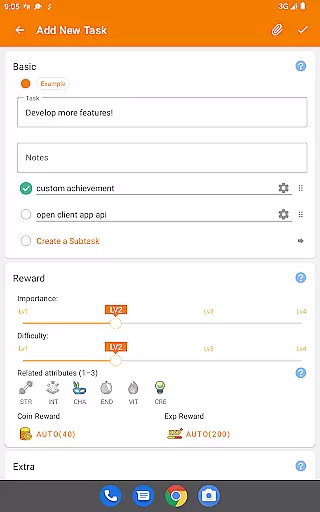
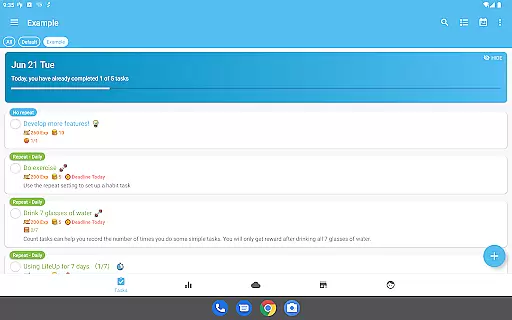
Task management is at the heart of productivity applications, and LifeUp excels in this area by offering a hyper-customizable system that adapts to various productivity methodologies. The app allows users to create, organize, and track tasks with features such as repeats, reminders, deadlines, and checklists.
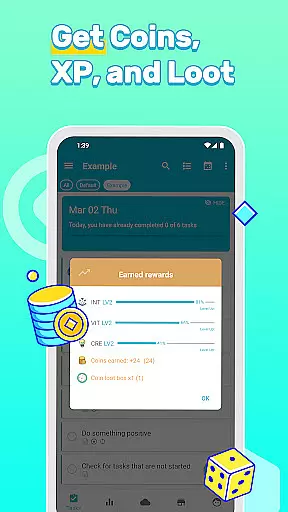
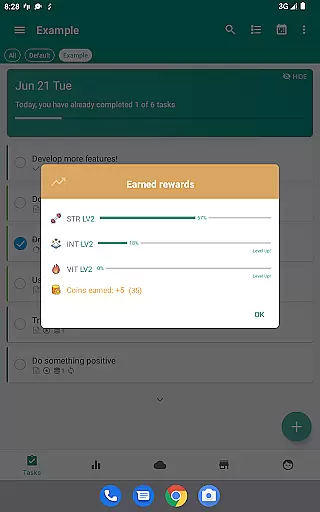
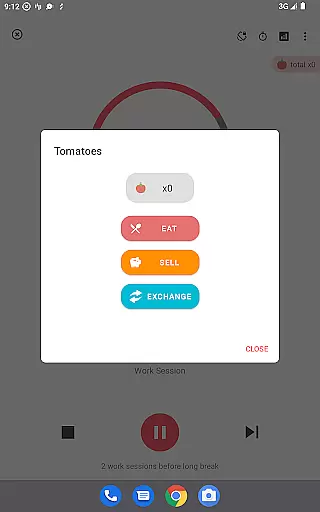
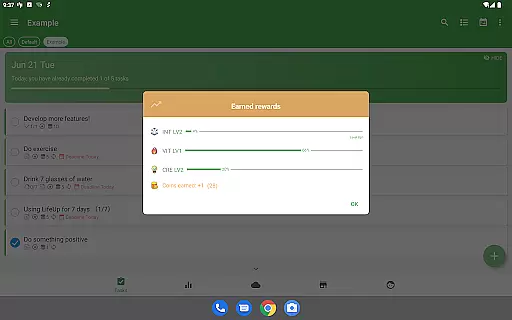
LifeUp goes beyond traditional to-do lists by integrating gamification elements into task management. Users can earn experience points (EXP) and virtual coins for completing tasks, which adds an engaging layer to the productivity process. This unique approach not only helps users stay organized but also motivates them to achieve their goals through a rewarding system tailored to personal preferences.
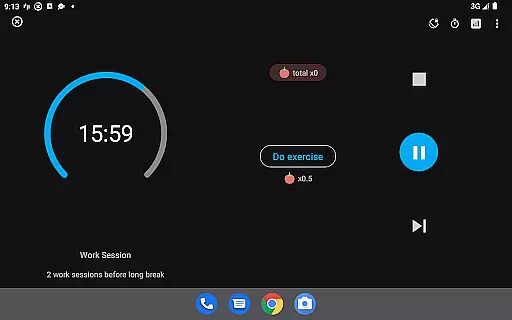
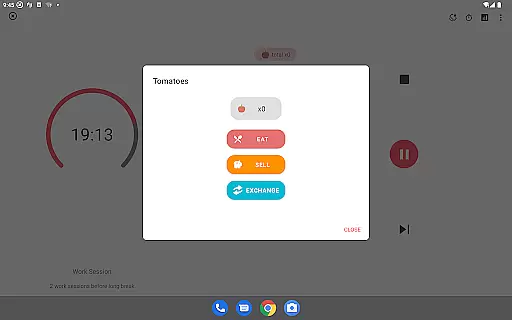
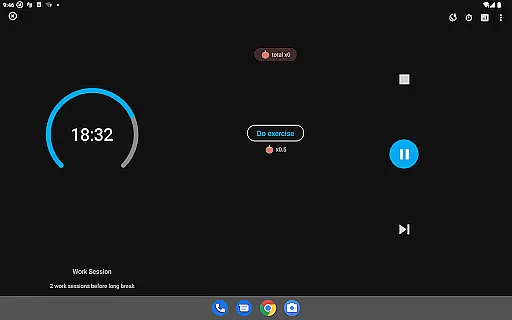
The true power of LifeUp's task management lies in its flexibility. Whether it's building streaks for positive habits or setting milestones for significant achievements, users have the freedom to define their path. With additional features like attachments, history tracking, and personalized timers, LifeUp ensures that every aspect of task management is covered, providing a comprehensive toolset that empowers users to take control of their daily activities effectively.
In todayu2019s interconnected world, reliable cross-device synchronization is crucial for maintaining productivity on the go. LifeUp addresses this need by ensuring that all user data is consistently updated across devices without compromising privacy or security. Although the app emphasizes an offline-first approach, it offers optional synchronization via Google Drive, Dropbox, or WebDAV.
This synchronization feature means that whether you're switching from your phone to a tablet or accessing your tasks from a computer, your information remains up-to-date and accessible wherever you are. By allowing users to choose their preferred cloud service for backups, LifeUp provides peace of mind knowing that important data is safely stored and easily retrievable.
Moreover, LifeUpu2019s commitment to privacy ensures that sensitive information stays protected. Since synchronization is optional and controlled by the user, thereu2019s no risk of unwanted data sharing. This careful balance between convenience and confidentiality makes LifeUp a reliable companion for managing tasks efficiently while respecting user autonomy over personal data.
User-driven customization
Comprehensive productivity tools
One-time purchase model
Offline-first privacy focus
Active community support
Steep learning curve
Complex setup process
Limited pre-set templates
No built-in social features
Potential over-customization

Experience Reading - Night Mode for Documents
 4.40
4.40
Smart PDF reader & editor to view, organize and manage PDF documents easily.
3.70
Pwnagotchi companion app
4.20
aCalendar+ makes your day, week and month
4.70
Make apps & sites with natural language prompts
4.10
The AI assistant that thinks with you - write, code, and solve complex tasks
4.60
Docker, Kubernetes management over Portainer Mobile
4.40
Quickly and easily keep track of your work shifts
4.70
2026 USPS Alpha/Color coded calendar Sunday/Rotating day off schedules
4.4
Seamlessly integrate data and reports to build your presentation to impress
4.80
App Lock with fingerprint, password: Lock apps & hide photos with lock screens
4.60
Subscribe to Webcal & .ics calendars and keep them up-to-date!
4.50
Automates browsing any website and notifies you of important changes or events
4.30
Enjoy classic gameplay with customizable features and retro-style graphics.
4.30
Access, manage and transfer files on Android, PC, Mac, NAS and cloud storages.
4.30
A customizable calendar for your Wear OS watch
4.20
Unlock AutoNotification
4.00
Create and edit presentations with Google Slides, part of Google Workspace.
4.00
Ultimate Virtual AI Character for immersive Roleplay Chat. Perfect Companion
3.90


User Reviews