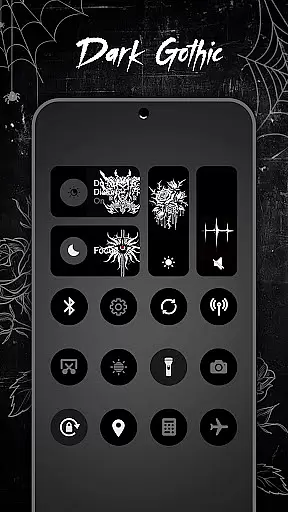
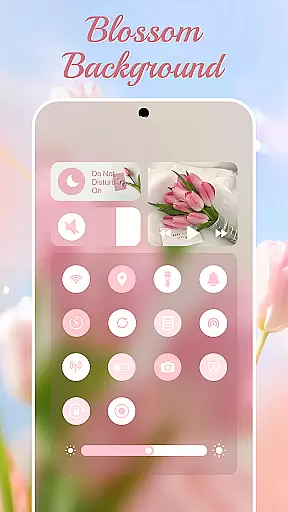
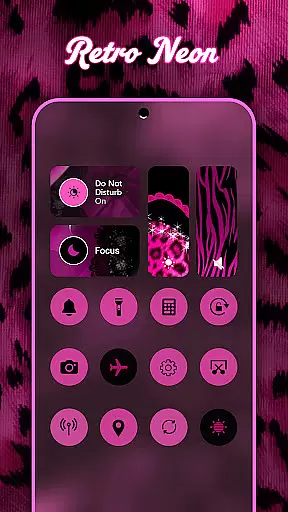
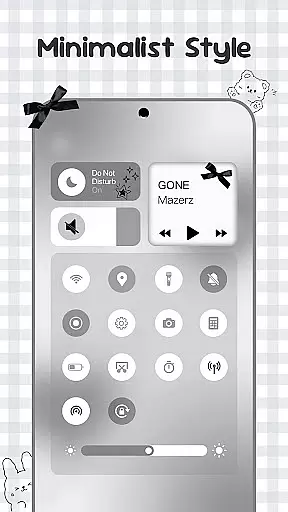
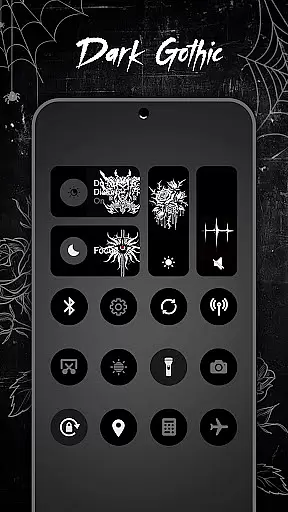
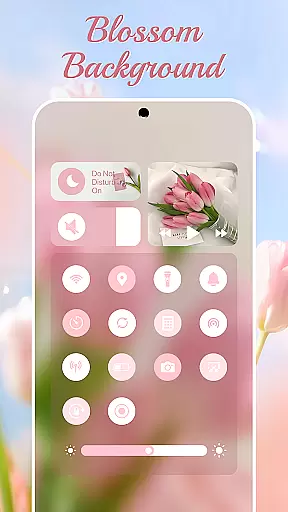
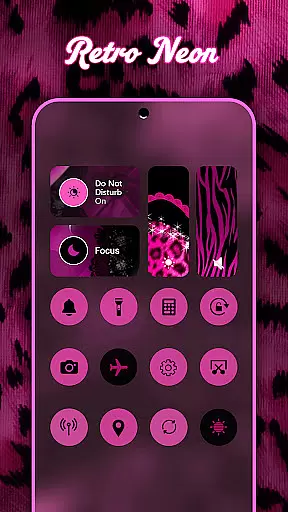
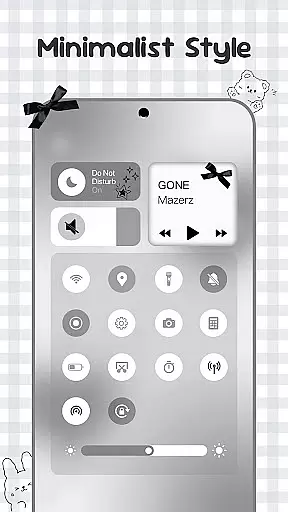
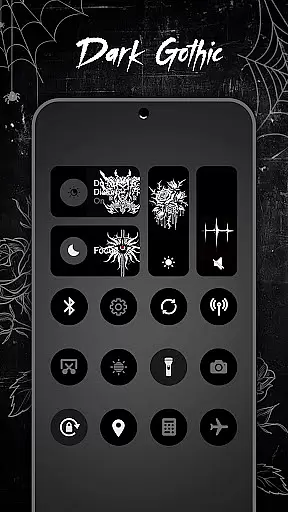
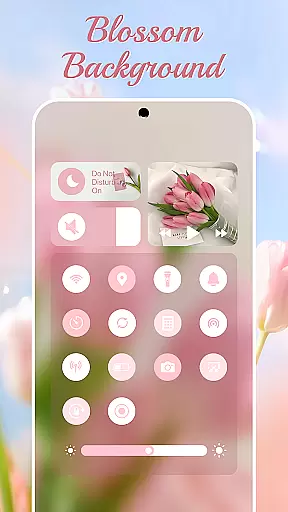
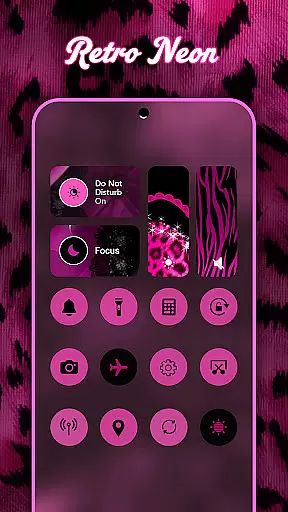
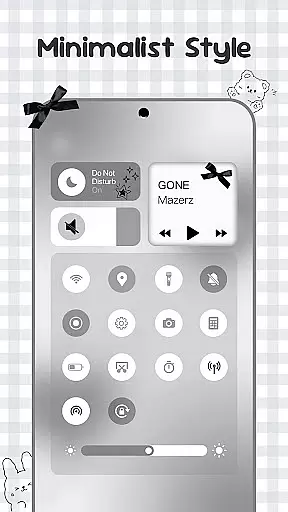
Control Widget is a highly customizable quick settings panel for Android devices, designed to merge elegant control with unlimited personalization. It transforms your device into a canvas for creativity, offering stylish one-tap access to essential functions. With thousands of aesthetic themes ranging from anime to minimalism, users can curate their unique style and switch panels anytime to match their mood.
The app provides smart tools such as smooth sliders for brightness and volume adjustments, instant toggles for Wi-Fi, Bluetooth, and Airplane Mode, and handy screen tools like capturing screenshots or recording screens. Its sleek design perfectly complements any wallpaper or icon pack, making it an ultimate customization companion for Android users who seek both functionality and style in their device's quick-settings panel.
Control Widget stands out with its rich feature set that combines practicality with aesthetics. The app offers themed control panels inspired by modern mobile aesthetics, allowing users to personalize their Android experience extensively. Users can choose from thousands of aesthetic collections including K-pop, neon gradients, soft coquette, sports, festivals, and TV/film themes, ensuring there's something for everyone.
Beyond its visual appeal, Control Widget delivers essential functionalities through intuitive controls. Smooth sliders enable precise adjustments of brightness and volume levels while providing instant access to connectivity options like Wi-Fi, Bluetooth, and Airplane Mode. Additional features include Do Not Disturb mode activation, flashlight operation, screenshot capture, screen recording initiation, and rotation lock management – all accessible via a single swipe on the home screen widget interface.
Control Widget offers an extensive range of customization options that allow users to tailor their Android experience according to their personal style. With thousands of aesthetic themes available, including Anime, K-pop, neon gradients, minimalism, and more, users can curate a unique look that resonates with their individual preferences.
The app's live style updates feature ensures that your control panel is always in sync with your current mood or home screen setup. This dynamic theming capability empowers you to express yourself through your deviceu2019s appearance at any given moment, making it not just a tool but also an extension of your personality.
One-tap magic transformation makes switching between different themes effortless and instantaneous. Whether you're looking for something vibrant and energetic or subtle and sophisticated, Control Widget provides the tools necessary to achieve the perfect match for your digital environment, ensuring what you see is truly what you get.
Theme compatibility within Control Widget ensures seamless integration with various design elements across your Android device. The app complements any wallpaper, icon pack, or widget combination, creating a cohesive visual experience that enhances usability while maintaining aesthetic appeal.
By offering sleek layouts designed to work harmoniously with other customization features on your phone, such as music controls and brightness sliders, Control Widget guarantees that all components function together smoothly without compromising performance or visual consistency.
Moreover, users have the opportunity to request custom themes, allowing them to participate actively in shaping their interface's design. This level of personal involvement ensures that every aspect of the user interface aligns perfectly with individual tastes, resulting in a personalized yet fully functional quick-settings panel tailored specifically for each user.
Highly customizable
Stylish design
Comprehensive tools
User-friendly interface
Versatile theme options
Requires accessibility permissions
May drain battery faster
Premium themes cost extra
Occasional bugs reported
Limited iOS compatibility

A Colorful and Minimal icon pack in an Outline Style - Over 13,600 icons!
 4.70
4.70
A light in the dark, a unique style and an andless cutomization!
4.30
Transform your phone with Launcher iOS 26 - Smooth & elegant iOS experience
4.50
Make your phone look simple & luxury, like iDevice
4.60
A launcher for Samsung Good Lock and Good Guardians modules without ads
4.70
Over 28,000 high quality icons to bring color & homogeneity to your phone.
4.60
Embrace the Night. Unleash the power of darkness with Raven Dark Icon Pack
4.60
Modern Glass Icon Pack with glossy icons, clean minimal theme & aesthetic style
4.1
Enjoy a variety of amazing live wallpapers and colorful EDGE lighting borders!
4.80
Dark icon pack based on One 8
4.80
Classic analogue watch face. For wear os devices.
4.60
Customize your home screen with stunning themes, blur, widgets & icons.
4.60
300+ Beautifully crafted widgets inspired by OneUI.
4.60 4.50
4.50
Vibrant Adaptive Icons with Material You and Enhanced Monet Colors.
4.50
Create unique, fun emojis with Funny Emoji Maker! Unlimited creativity!
4.00 3.50
3.50
Interactive Miniature Painting Catalogue
3.30
Prank your friends with realistic broken screen and cracked HD effects!
4.2


User Reviews