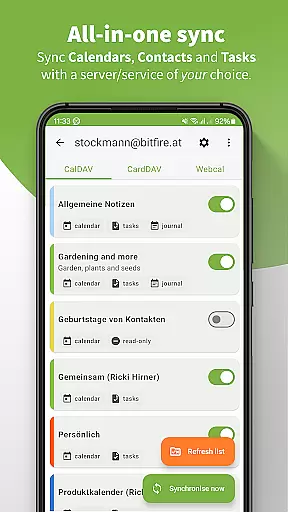
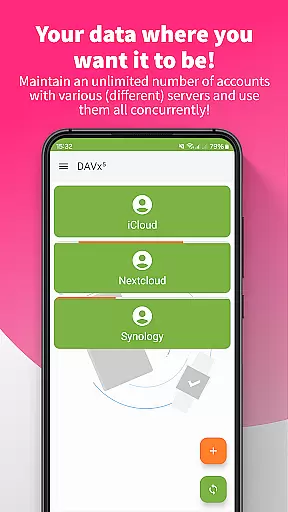
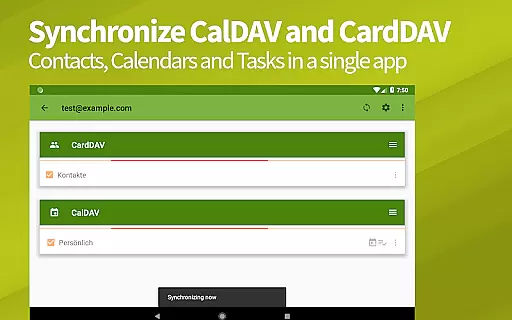
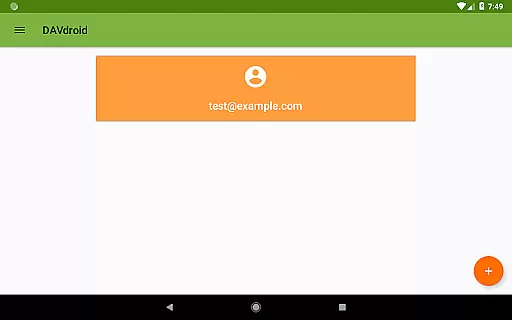
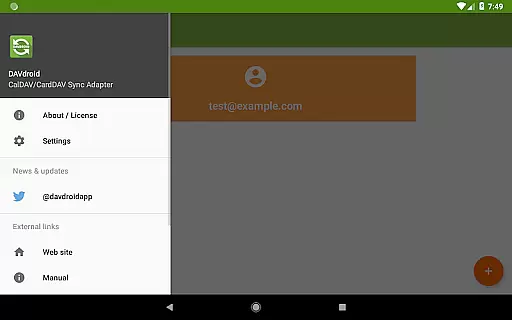
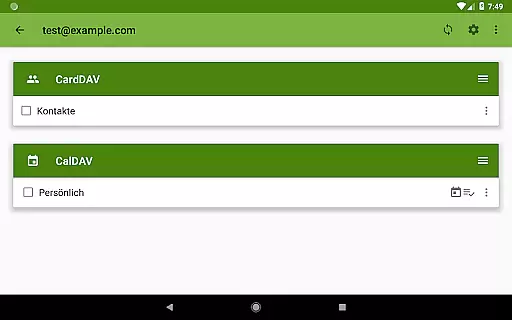
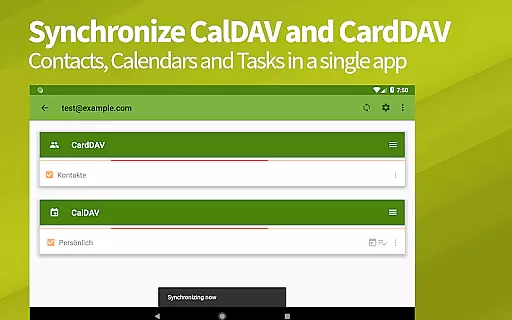
DAVx⁵ is a comprehensive productivity app designed for seamless synchronization of contacts, calendars, and tasks across devices. This all-in-one solution supports CalDAV, CardDAV, and WebDAV protocols, making it compatible with numerous servers including Nextcloud, iCloud, and Synology. With its two-way sync capability, users can effortlessly keep their data up-to-date between the server and client.
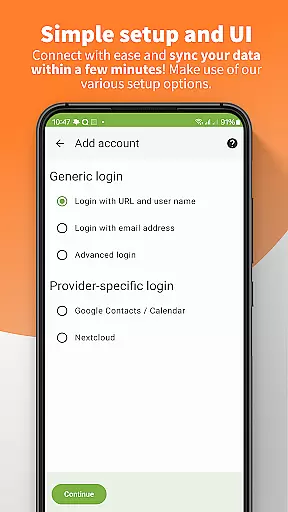
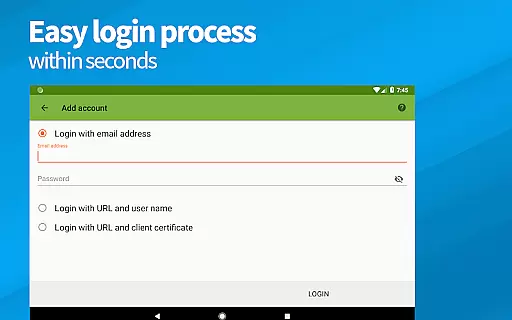
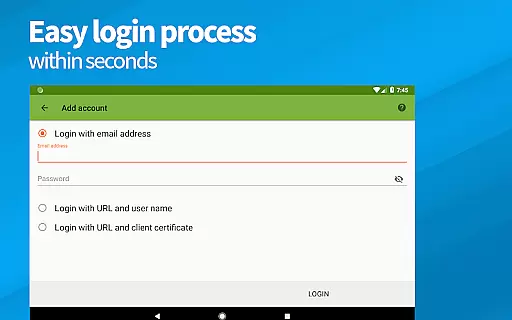
The app stands out with its easy setup process, resource auto-detection, and support for self-signed certificates. Whether you're managing personal tasks or integrating with corporate systems, DAVx⁵ ensures high performance and reliability through optimized algorithms. Its open-source nature and commitment to privacy, with no ads or tracking, make it an ideal choice for users seeking secure and efficient data management.
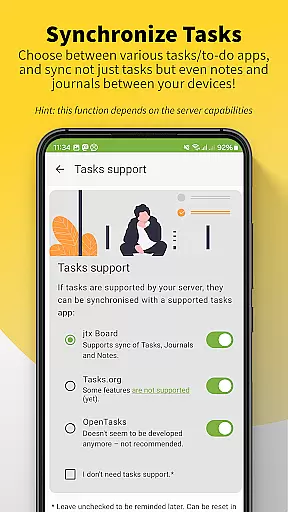
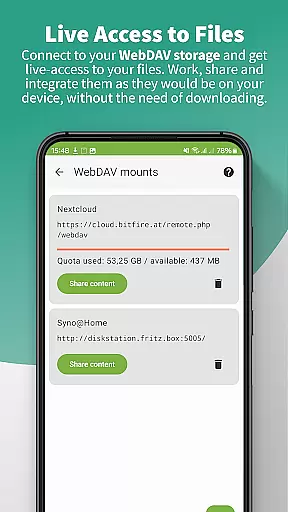
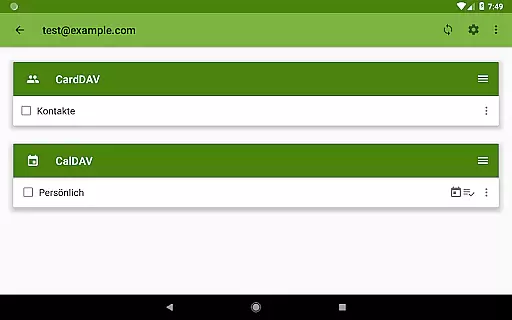
DAVx⁵ offers a robust set of features tailored for productivity enthusiasts. One of its key strengths is the ability to sync calendars, address books, and tasks within a single app, streamlining the management of personal and professional schedules. The app's support for WebDAV allows users to access remote files as if they were stored locally on their device, enhancing workflow efficiency.
Security and privacy are at the core of DAVx⁵'s design. It provides a super-secure environment with GDPR compliance and respects user privacy by ensuring no ads or tracking are present. Additionally, the app includes management options for creating and deleting calendars, address books, and to-do lists directly from the interface, offering unparalleled control over your data. These features collectively ensure that DAVx⁵ remains a top choice for individuals and organizations seeking reliable and secure synchronization solutions.
DAVxu2075 offers a comprehensive solution for managing core tasks related to contacts, calendars, and tasks synchronization. This all-in-one app supports CalDAV for calendars, CardDAV for contacts, and WebDAV for file access, ensuring that users can efficiently handle their productivity needs.
The application provides seamless two-way synchronization between the server and client, allowing users to make updates on either end without worrying about data consistency. Its compatibility with various services like Nextcloud, iCloud, and Synology ensures that users can integrate DAVxu2075 into their existing workflows effortlessly.
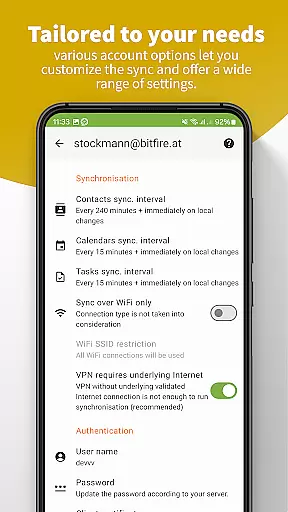
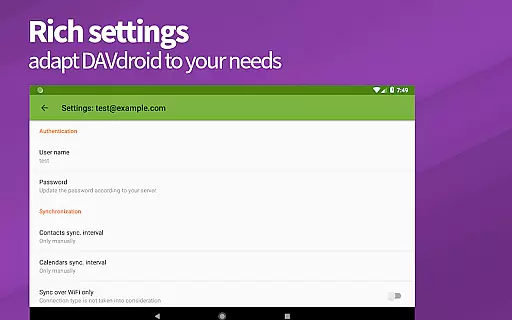
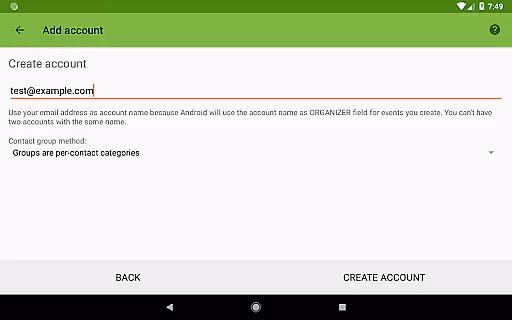
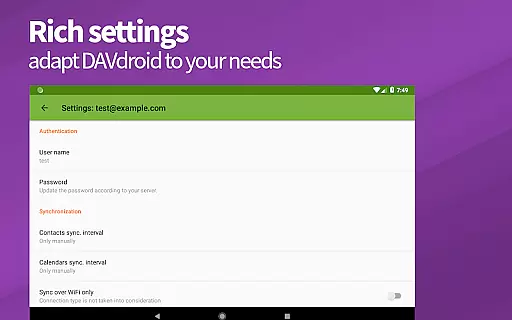
With easy setup options such as resource auto-detection and support for self-signed certificates, DAVxu2075 simplifies the initial configuration process. Users can also manage their calendars, address books, and to-do lists directly from the app, depending on the server's capabilities.
Cross-device synchronization is a critical feature of DAVxu2075, ensuring that users have access to their updated contacts, calendars, and tasks across all their devices. The app employs fast algorithms and multi-threaded sync processes to enhance performance and reliability.
By supporting HTTPS connections and being compatible with a wide range of CalDAV/CardDAV servers, DAVxu2075 guarantees secure and dependable data exchange. This makes it an ideal choice for users who prioritize data security and privacy while enjoying the convenience of synchronization.
Furthermore, DAVxu2075 optimizes its functionality for both phones and tablets, maintaining backward compatibility with older Android versions. This ensures that users with different devices can rely on consistent performance and data integrity.
User-friendly interface
Two-way synchronization
GDPR compliant
No ads or tracking
Open source
Limited server support
Not for beginners
Requires HTTPS
No built-in viewer
Premium price

Client for Nextcloud Deck
 4.60
4.60
Auto-shutoff Alarm with Sunrise, Sunset & Fixed Options.
3.50
A lightweight JSON & XML files creator, editor and viewer (Premium Version)
4.40
Mind Map and brainstorm, note taking and idea collection
4.80
Customizable calendar widget for seamless event sync, planning & scheduling.
4.00
CalenGoo is a very flexible and feature-rich calendar app
4.40
Easiest event planning, volunteer signups & parent teacher conference scheduling
2.20
Browse and view your photos and videos from the phone with photo & video hide.
4.10
Put a lock on your cloud: Take the security of your data into your own hands
3.70
Scientific calculator for Android - looks and operates like the real thing!
4.90
Secure, fast, open-source, VNC and SSH Remote Desktop for Windows, Linux and Mac
4.70
App Lock with fingerprint, password: Lock apps & hide photos with lock screens
4.60
PDF scanner & converter for files, photos, lottery, QR codes. One swipe away!
4.50
Tally and goal counter for Wear OS & mobile
4.50
Access, manage and transfer files on Android, PC, Mac, NAS and cloud storages.
4.30
Cloud storage, automatic phone backup, and more.
4.10
The ultimate file manager for rooted devices. The original and still the best.
4.00
Take control of your clipboard with Clipper!
3.90
Find and delete junk files & block unwanted notifications & manage files
3.70


User Reviews