
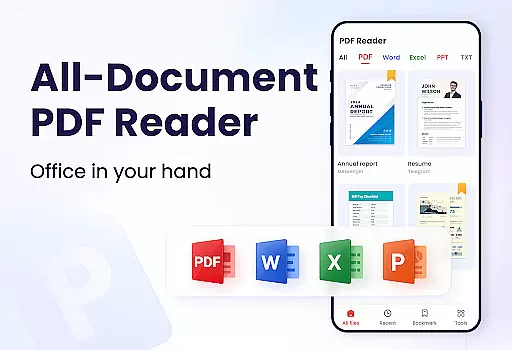
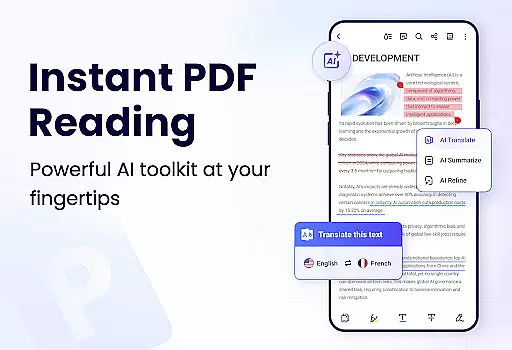
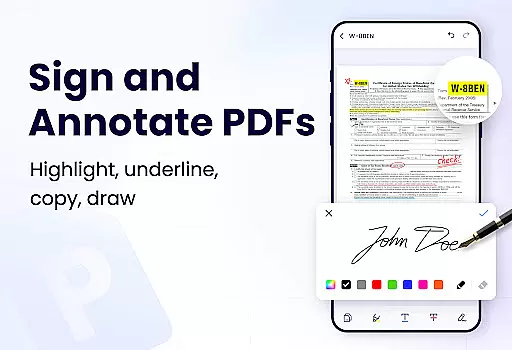
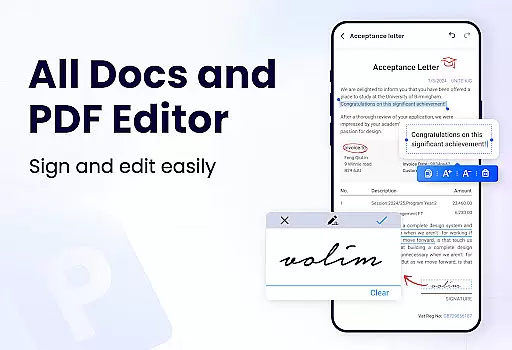
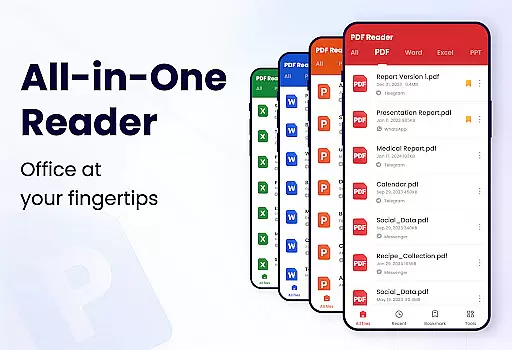
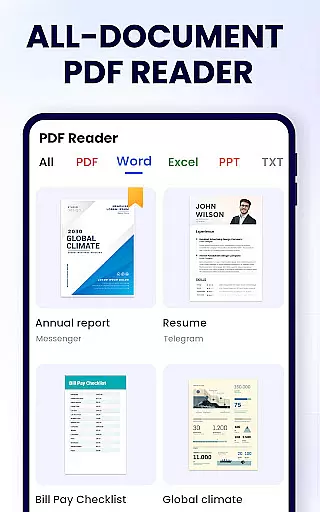
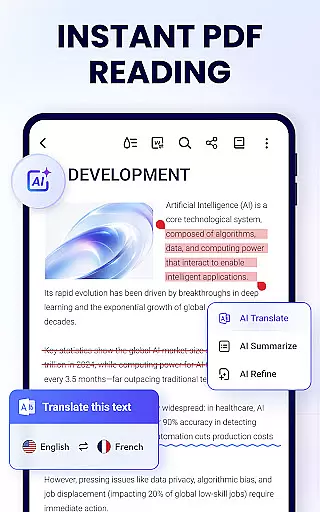
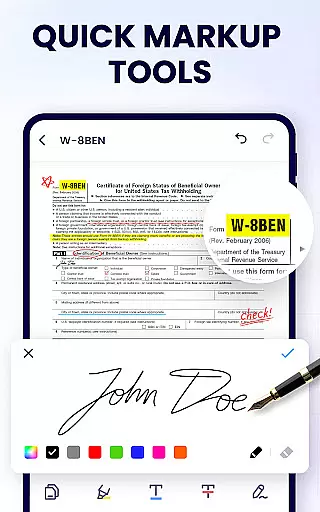
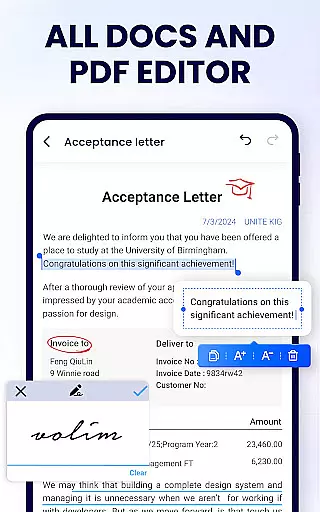
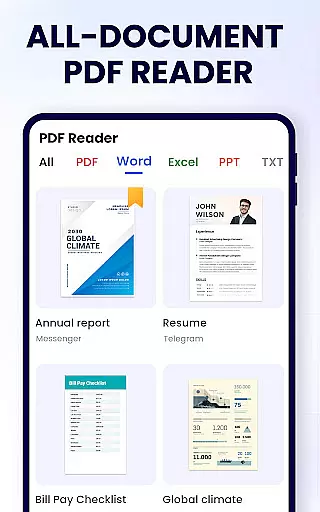
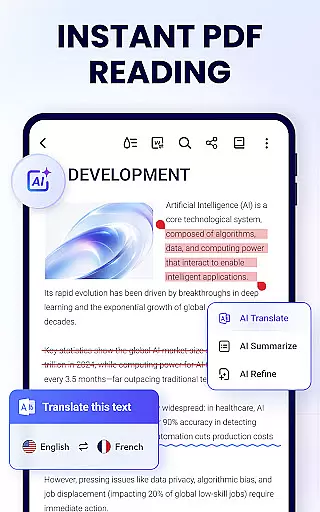
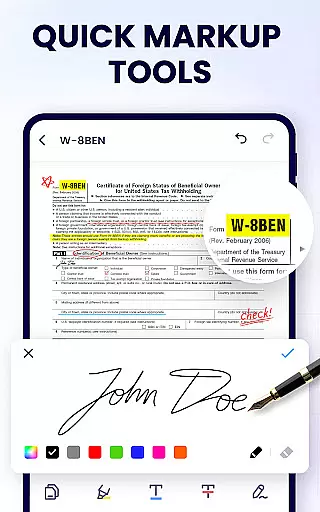
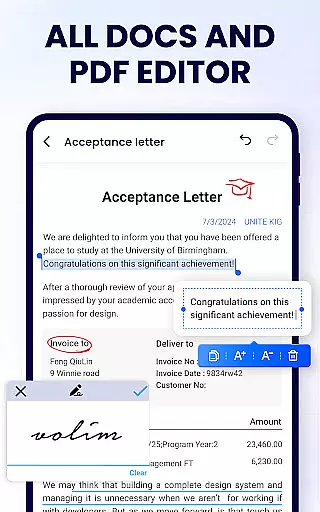
PDF Reader - PDF Viewer is a comprehensive productivity tool designed for Android users who need to manage, edit, and read PDF documents efficiently. This free app, A+ Read, offers an all-in-one solution by combining a powerful PDF viewer, editor, and manager into a single platform. With its user-friendly interface, the app allows you to auto-search and display all your PDF files, making it easy to open and read them quickly. Beyond viewing, this app supports advanced features such as note-taking, merging and splitting PDFs, setting passwords, adding bookmarks, and sharing documents with others.
This app is particularly useful for students and professionals who frequently work with PDF documents. Whether you're reading study materials or managing important work-related documents, PDF Reader - PDF Viewer provides a seamless experience that enhances productivity. Its lightweight design ensures smooth performance without consuming too much storage space, while additional features like dark mode and smart PDF scanning are on the horizon, promising even more functionality in future updates.
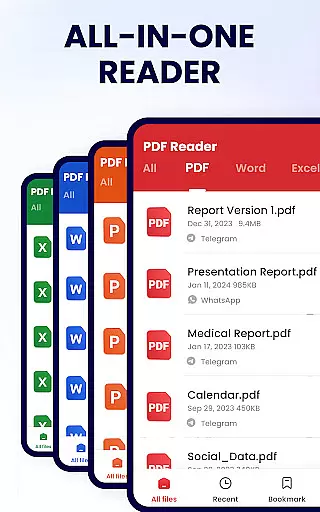
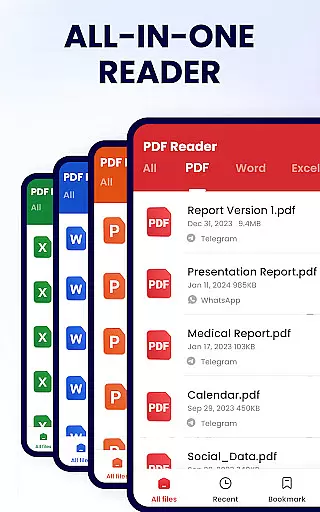
PDF Reader - PDF Viewer stands out due to its rich feature set tailored for productivity enthusiasts. As a convenient PDF viewer, it automatically searches and displays all your PDF files, allowing quick access and offering a simple, clear list of documents. You can easily search and retrieve PDFs, add bookmarks for future reference, and switch between page-by-page or continuous scrolling modes. The app also supports horizontal and vertical viewing modes, full-screen reading, and zooming capabilities to enhance your reading experience.
As a smart PDF reader and editor, the app enables you to annotate documents, highlight text, underline, strikethrough, and even doodle on your PDFs. It facilitates efficient text management by allowing you to search and copy any text within the PDF files. Moreover, the app functions as a full-featured PDF manager, letting you merge and split files, protect documents with passwords, view recently opened files, rename documents, and print directly from your device. Sharing is made easy through integration with various social media platforms, ensuring that collaboration is just a tap away.
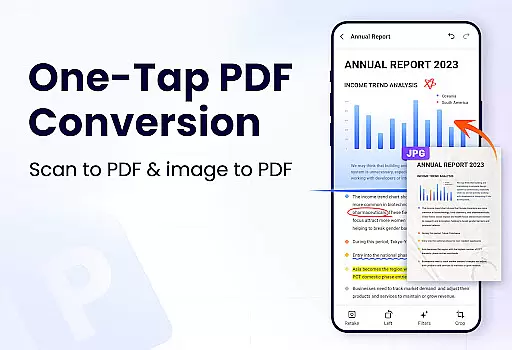
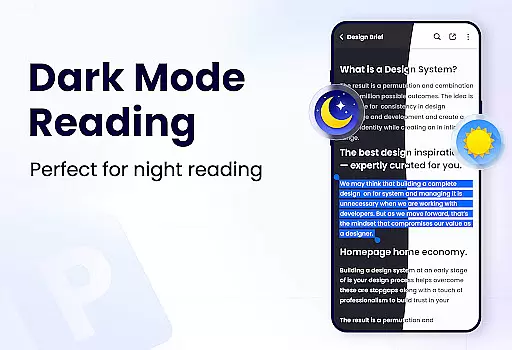
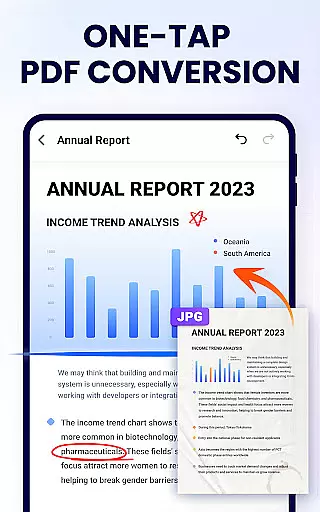
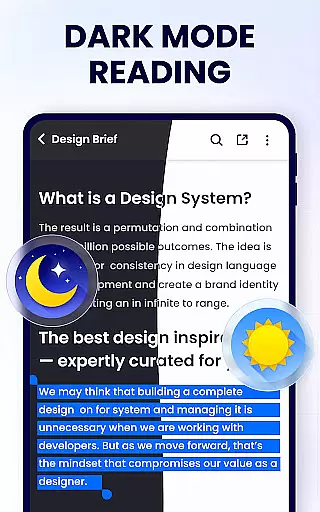
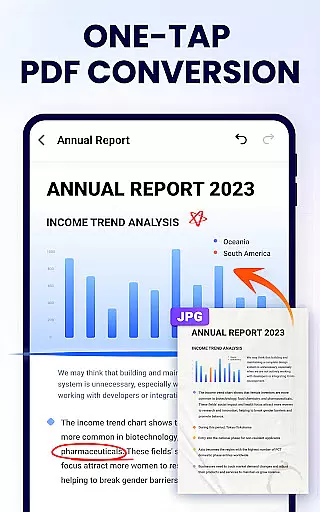
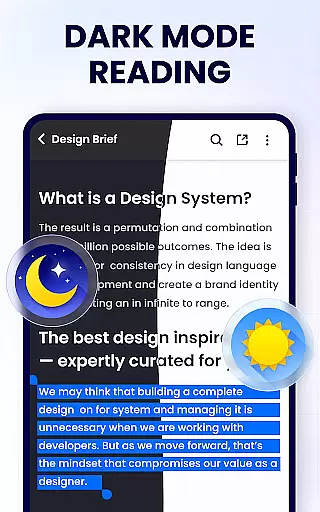
Looking ahead, the developers plan to introduce even more features, including dark mode, PDF compression, form filling, e-signature support, page management, and file conversion between PDF and other formats like Word, Excel, JPG, and PNG. These upcoming enhancements will further solidify PDF Reader - PDF Viewer's position as a top-tier productivity tool for Android users.
In the realm of productivity, managing tasks efficiently is paramount. PDF Reader - PDF Viewer excels in this area by offering a comprehensive suite of tools designed to streamline your document handling experience.
This application allows users to not only view PDFs but also to actively engage with them. With features such as annotation, highlighting, and the ability to doodle directly on pages, it transforms a simple PDF viewer into an interactive workspace. These capabilities ensure that any task involving PDF documents can be managed effectively within the app.
Moreover, the app provides advanced functionalities like merging and splitting PDF files, setting passwords for document protection, and even renaming files. Such features are crucial for users who need to organize and secure their information. The convenience of sharing documents via various platforms further enhances its utility as a task management tool.
The value derived from using PDF Reader - PDF Viewer extends beyond mere viewing; it empowers users to handle their PDF-related tasks with precision and ease, making it an indispensable asset for both work and study environments.
For professionals and students alike, having reliable cross-device synchronization is essential for maintaining workflow continuity. PDF Reader - PDF Viewer addresses this need by ensuring that your documents are accessible and up-to-date across all your devices.
While the current feature set of the app focuses on providing robust tools for PDF manipulation, it lays a solid foundation for future enhancements. The app's efficient file management system supports quick access to recently opened files, which is a precursor to seamless cross-device experiences.
Although explicit details about cloud integration or real-time syncing are not provided in the description, the app's emphasis on accessibility and ease of sharing suggests a commitment to developing reliable synchronization capabilities. This ensures that users can transition smoothly between different devices without losing track of their important documents.
By prioritizing these aspects, PDF Reader - PDF Viewer positions itself as a forward-thinking solution in the productivity category, where consistency and reliability across devices are key to successful task management.
User-friendly interface
Comprehensive PDF tools
Lightweight and fast
Free to use
Secure document handling
Limited advanced features
No cloud sync
Ads in free version
Occasional bugs
Basic UI design

A customizable calendar for your Wear OS watch
 4.20
4.20
Professional calendar app for Google Calendar, MS Outlook & Exchange
4.20
We're working to become the best machining app on the market! www.cncdirt.com
4.80
The AI assistant that thinks with you - write, code, and solve complex tasks
4.60
Secure, open-source, SPICE and SSH Remote Desktop for QEMU KVM virtual machines
4.00
Calendar 2023 widget for Android. Appointment scheduler, planner, and reminder
4.60
* block pre-roll ads, pop-up and forced redirect ads * Samsung certification app
4.00
Daily processing of PDF documents.
4.40
Seamlessly read, manage, and organize all your PDF files solution in one place
4.40
To do list widget with a notebook organizer, checklist, simple shopping list
4.60
App Lock with fingerprint, password: Lock apps & hide photos with lock screens
4.60
PDF scanner & converter for files, photos, lottery, QR codes. One swipe away!
4.50
A lightweight JSON & XML files creator, editor and viewer (Premium Version)
4.40
This small app MUST BE INSTALLED after purchase, else license won't work
4.40
When you Focus, so will your Bean in this cozy focus timer
4.30
Unlock AutoNotification
4.00
The ultimate file manager for rooted devices. The original and still the best.
4.00
Take control of your clipboard with Clipper!
3.90
Access your phone's notifications, calls, apps, photos & texts on your PC
3.90


User Reviews