
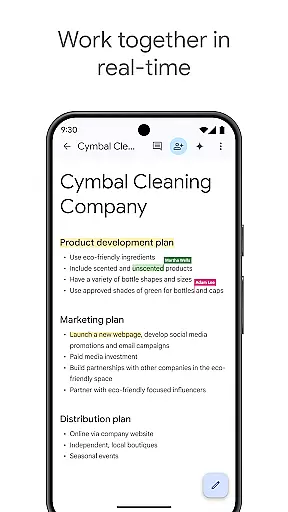
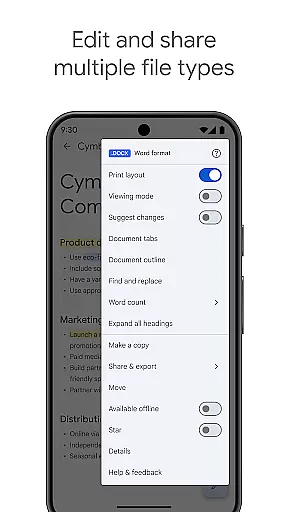
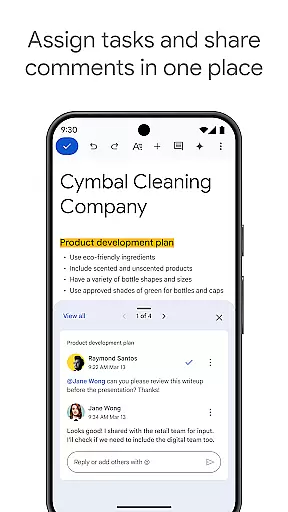
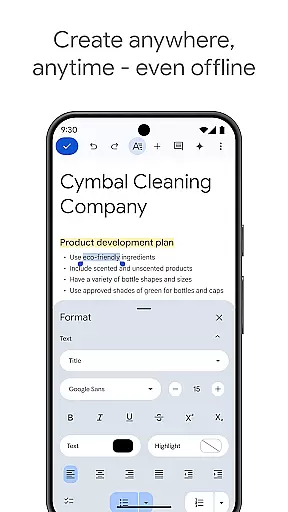
Google Docs is a powerful productivity application that allows users to create, edit, and collaborate on documents directly from their Android devices. The app supports real-time collaboration, enabling teams to work together seamlessly by sharing documents, leaving comments, and assigning action items without missing a beat. With its intuitive interface, Google Docs ensures you can work from anywhere, even offline, making it perfect for capturing ideas on the go.
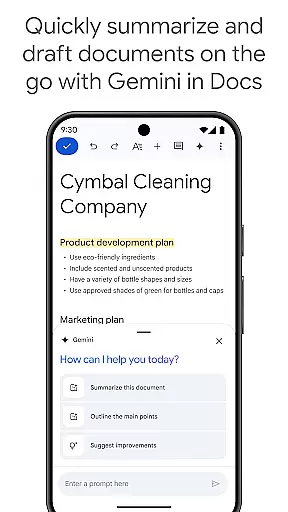
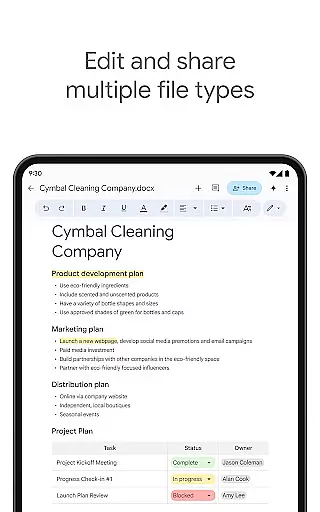
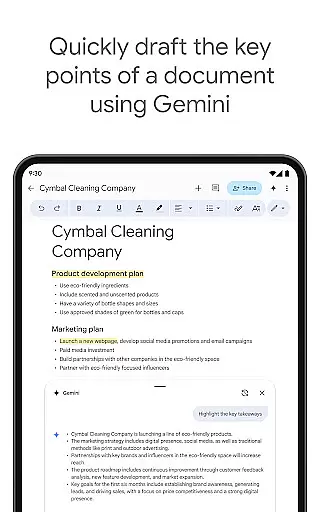
In addition to supporting multiple file types, including Microsoft Word files, Google Docs offers easy-to-use templates that save time and enhance document quality. As part of Google Workspace, it provides an integrated environment where teams can chat, create, and collaborate efficiently. Subscribers to Google Workspace enjoy advanced features such as AI-powered writing suggestions, content drafting with Gemini, and unique image creation to customize documents.
One of the standout features of Google Docs is its robust real-time collaboration capability. Users can share documents with team members and make edits simultaneously, ensuring everyone stays on the same page. The app also supports commenting and assigning action items, streamlining communication within teams. This feature is particularly beneficial for remote teams who need to maintain constant contact and ensure project progress.
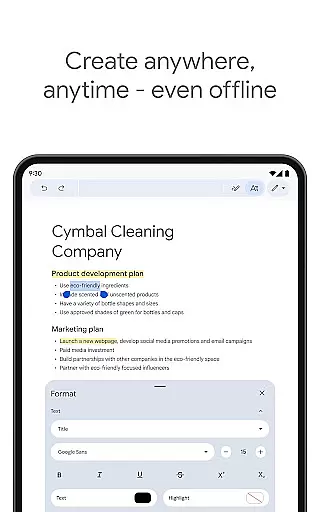
Another significant advantage of Google Docs is its ability to function offline. Users can create and edit documents without an internet connection, which is ideal for those moments when connectivity is unreliable. Additionally, the app supports a wide range of file types, including Microsoft Word files, and offers seamless conversion and exporting options. These capabilities ensure that no matter what software your collaborators use, you can still work together effortlessly.
Task management is a cornerstone of productivity applications, and Google Docs excels in this area by providing users with the ability to create, edit, and manage documents efficiently. This functionality is crucial for individuals and teams who need to keep track of their work and ensure that all tasks are up-to-date and organized.
Google Docs offers real-time collaboration features which allow multiple users to work on the same document simultaneously. This means that team members can share documents, make edits, leave comments, and assign action items without any delay. Such capabilities significantly enhance productivity and ensure that everyone is on the same page, literally and figuratively.
Moreover, Google Docs supports working offline, which means users can continue to create and edit documents even without an internet connection. This feature is particularly beneficial for users who are often on the move and may not always have access to reliable internet connectivity. The ability to work offline ensures that productivity does not take a hit when it's needed the most.
The application also provides a variety of templates that save time and add a professional touch to documents. These templates cover a wide range of categories, from business plans to creative writing, enabling users to start their projects quickly and efficiently. With these comprehensive task management features, Google Docs stands out as a robust tool for managing document-based tasks.
Cross-device synchronization is essential for ensuring that your work is accessible wherever you go, and Google Docs delivers reliable performance in this aspect. For users who switch between different devices throughout their day, having a dependable synchronization system means that their documents are always up-to-date and available at their fingertips.
Google Docs automatically saves every change you make and syncs it across all your devices in real time. Whether you're using your Android phone, tablet, or desktop computer, you can be confident that the latest version of your document is available. This seamless synchronization process eliminates the risk of losing important data and allows for a fluid workflow across different platforms.
In addition to automatic syncing, Google Docs supports offline mode, allowing users to continue working on their documents even without an internet connection. Once the device reconnects to the internet, all changes are synced across devices, ensuring consistency and continuity in your work process.
Furthermore, Google Docs is part of Google Workspace, which offers paid subscribers additional features powered by AI, such as content drafting and editing assistance through Gemini in Docs. These advanced features further enhance the reliability of cross-device synchronization, making Google Docs a top choice for users seeking a dependable and versatile productivity tool.
User-friendly interface
Real-time collaboration
Offline mode available
Supports multiple formats
Integrated with Google Workspace
Limited advanced formatting
Fewer templates than competitors
Requires Google account
Occasional sync issues
Basic mobile functionality

Client for Nextcloud Deck
 4.60
4.60
Mega cloud explorer plugin for Solid Explorer
3.80
A simple, portable logger for POTA, SOTA, Field Day, and more
4.3
Enjoy classic gameplay with customizable features and retro-style graphics.
4.30
Create and edit presentations with Google Slides, part of Google Workspace.
4.00
Subscribe to Webcal & .ics calendars and keep them up-to-date!
4.50
Use powerful, industry-leading AI tools to generate visual charts from any data
4.80
Okta MFA
4.70
Browse and view your photos and videos from the phone with photo & video hide.
4.10
Best Tool for the professionals Electrician, Electrical contractors, etc.
4.90
Absolutely the best CNC machinist speed and feed calculator around. fswizard.com
4.60
App Lock with fingerprint, password: Lock apps & hide photos with lock screens
4.60
A simple Whisper AI keyboard for reliable speech transcription and rewording
4.60
Automates browsing any website and notifies you of important changes or events
4.30
Device's storage information in a simple and clear graphical form (infographics)
4.10
Unlock AutoNotification
4.00
Take control of your clipboard with Clipper!
3.90
All in one sketching tool. Technical and General drawing. Online Maps support.
3.70
IP Camera Viewer - Android TV : RTSP Surveillance camera viewer for Android TV
4.3


User Reviews