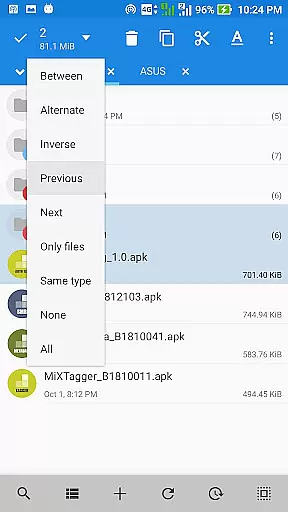
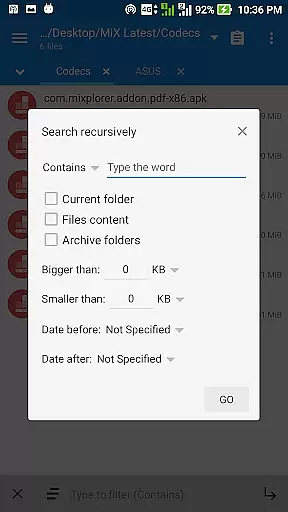
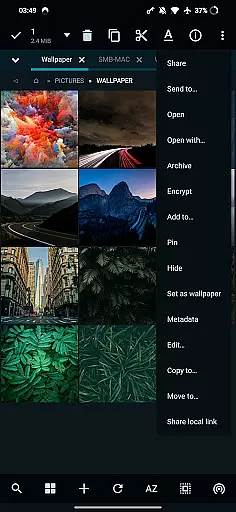
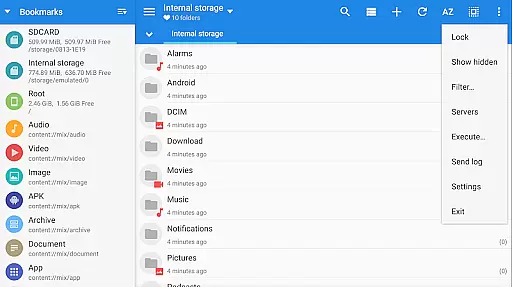
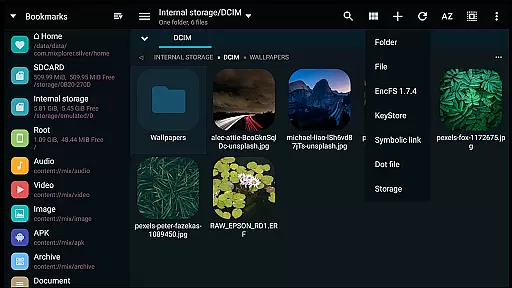
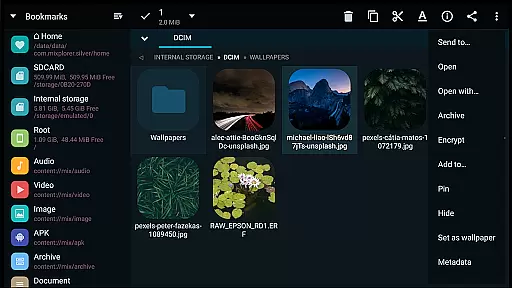
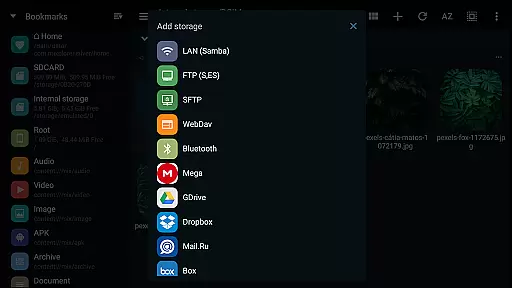
MiXplorer Silver is a comprehensive file management solution that combines the robust MiXplorer file manager with powerful add-ons like Archiver, Image viewer, Tagger, and PDF reader. Designed for productivity enthusiasts, this paid app offers an all-in-one toolset for efficient file handling across various formats and cloud services.
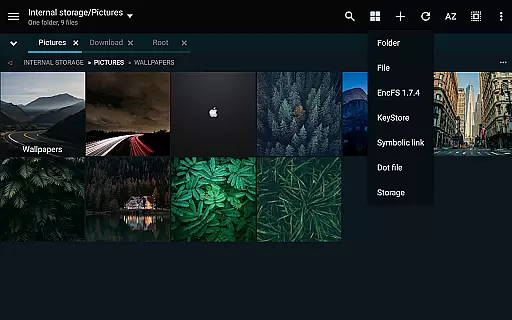
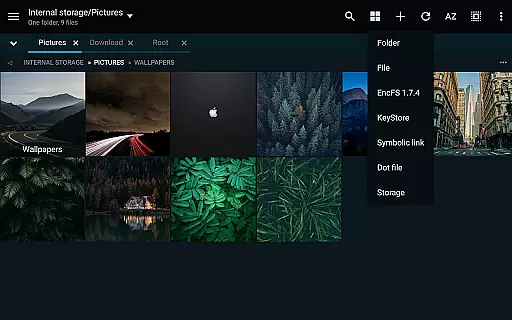
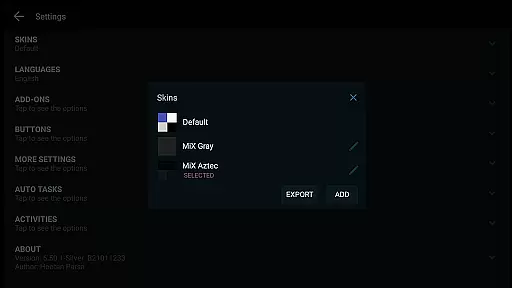
The app stands out with its themable interface, allowing users to customize colors and menu options. It supports advanced file operations including multitasking with task creation, cloud storage integration, and encryption capabilities. Whether you're managing local files or cloud-based assets, MiXplorer Silver provides a seamless experience on Android devices.
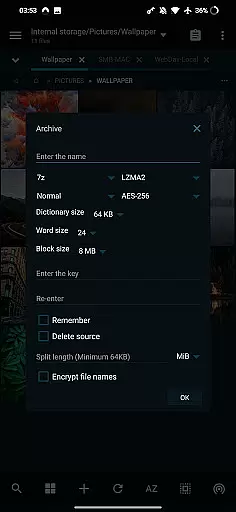
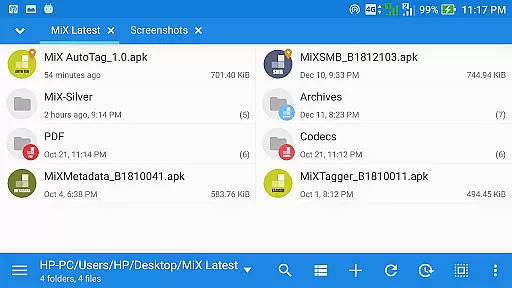
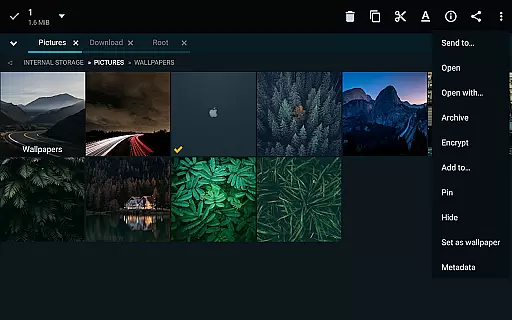
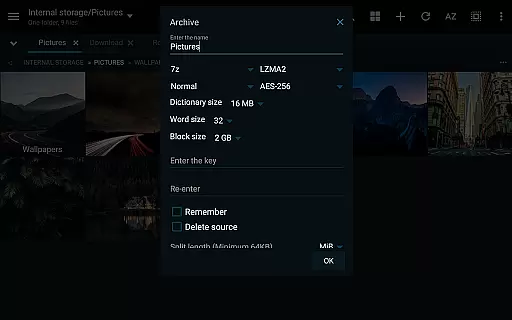
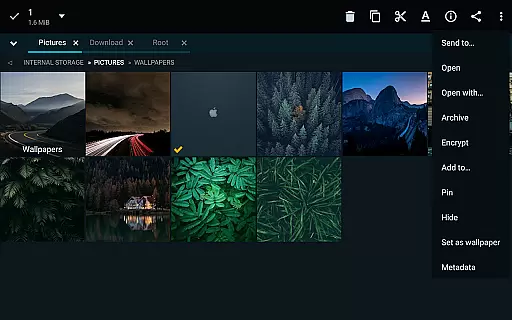
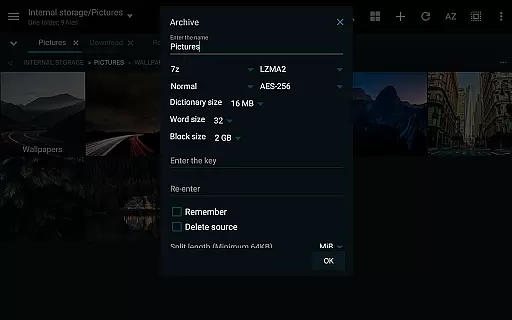
MiXplorer Silver distinguishes itself through an array of sophisticated features tailored for power users. The app supports unlimited tabbed browsing and dual-panel views in landscape mode, enabling efficient file navigation. Its extensive archive handling capabilities cover over 20 formats including 7z, Zip, RAR, and ISO files.
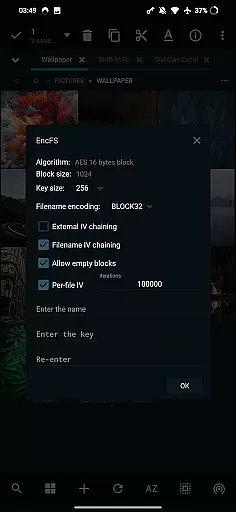
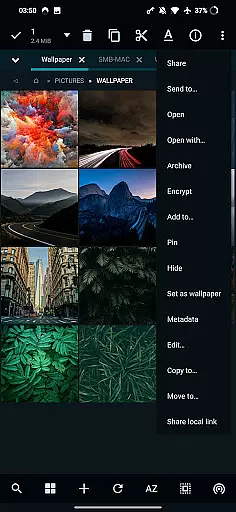
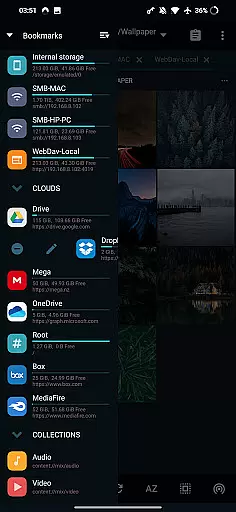
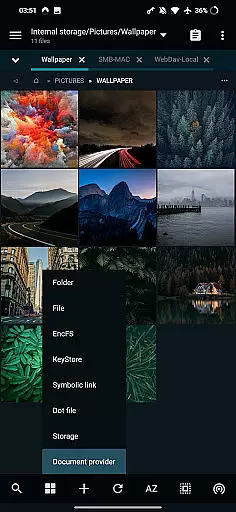
Cloud integration is another major strength, providing access to multiple providers like Google Drive, Dropbox, and OneDrive within a unified interface. Advanced functionalities include root access for system-level operations, EncFS volume support, and AEScrypt file encryption. The inclusion of media players, text editors, and specialized viewers makes it a complete productivity suite.
Task management is a critical feature for any productivity tool, and MiXplorer Silver excels in this area. The app allows users to create tasks for multitasking various file operations such as Copy and Move. This means you can set multiple operations running simultaneously without having to wait for each to complete before starting the next.
The Task feature is not just limited to basic file operations; it extends to more complex actions like packing and unpacking various archive formats. With support for a wide range of formats including 7z, Zip, TAR, and many others, users have comprehensive tools at their disposal for managing different types of files efficiently.
Another advantage of MiXplorer's task management system is its ability to handle cloud storage services. Whether you're working with Google Drive, Dropbox, or other providers, the app consolidates all your cloud storage needs into one place. This makes it easier than ever to manage files across different platforms without switching between apps.
Overall, MiXplorer Silveru2019s robust task management capabilities ensure that users can perform their duties quickly and efficiently, enhancing productivity by allowing seamless multitasking and integration with both local and cloud-based resources.
Cross-device synchronization is essential for users who work across multiple devices and need reliable access to their files. MiXplorer Silver offers dependable synchronization features that allow users to keep their data consistent and up-to-date regardless of the device they are using.
One key aspect of MiXploreru2019s synchronization reliability is its support for a wide array of cloud storage providers. From popular services like Google Drive and Dropbox to webdav-compatible clouds such as OwnCloud and MyDrive.ch, the app ensures that your files are always synchronized and accessible from anywhere.
In addition to cloud storage, MiXplorer supports EncFS volumes for all storages, adding an extra layer of security while maintaining synchronization integrity. This means sensitive data remains protected yet easily accessible when moving between devices.
Furthermore, the app provides options for exporting and importing all preferences, bookmarks, and customized skins. This feature guarantees that your personalized settings and themes remain consistent across devices, providing a uniform experience wherever you go. With these comprehensive synchronization capabilities, MiXplorer Silver stands out as a reliable tool for managing files across multiple devices seamlessly.
Highly customizable interface
Extensive cloud service support
Advanced file operation capabilities
Comprehensive archive format support
Integrated multimedia functionality
Paid application without free version
Feature overload for casual users
Requires technical knowledge
No iOS version available
Complex setup process

Secure, fast, open-source, VNC and SSH Remote Desktop for Windows, Linux and Mac
 4.70
4.70
When you Focus, so will your Bean in this cozy focus timer
4.30
Ads Free App! Editor, Hide File, Copy, Move, Delete and Rename.. all facility av
1.70
Android Wallet Password Manager
4.80
CalenGoo is a very flexible and feature-rich calendar app
4.40
Secure, open-source, SPICE and SSH Remote Desktop for QEMU KVM virtual machines
4.00
Best Tool for the professionals Electrician, Electrical contractors, etc.
4.90
A simple Whisper AI keyboard for reliable speech transcription and rewording
4.60
Quickly and easily keep track of your work shifts
4.70
Protect and view your important info on your phone and tablet with eWallet®
4.80
Secure, fast, open-source, Remote Desktop Client for Windows and Linux with SSH
4.60
Planet Free VPN - The best Fast Unlimited and Secure VPN Without Logs
4.50
PDF scanner & converter for files, photos, lottery, QR codes. One swipe away!
4.50
A Pixel Art watchface inspired by other iconic 90s designs for Wear OS devices!
4.40
Activate Two Factor Authentication (2FA or Multi OTP), Password manager and more
4.10
Create and edit presentations with Google Slides, part of Google Workspace.
4.00
Auto-shutoff Alarm with Sunrise, Sunset & Fixed Options.
3.50
ID.me Authenticator is a simple and free Two Factor Authentication solution
3.50
IP Camera Viewer - Android TV : RTSP Surveillance camera viewer for Android TV
4.5


User Reviews