

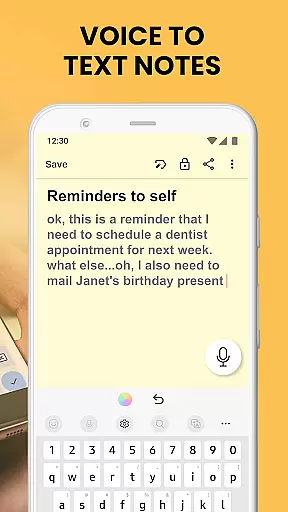
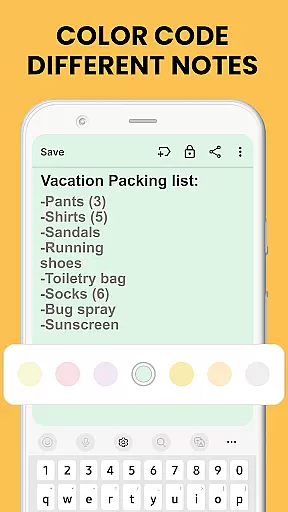
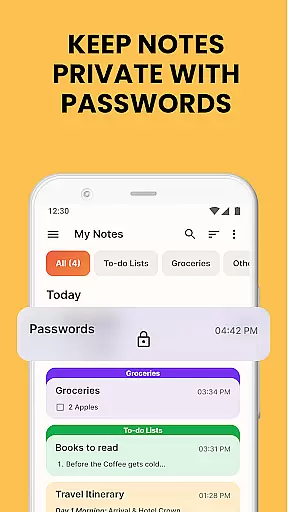
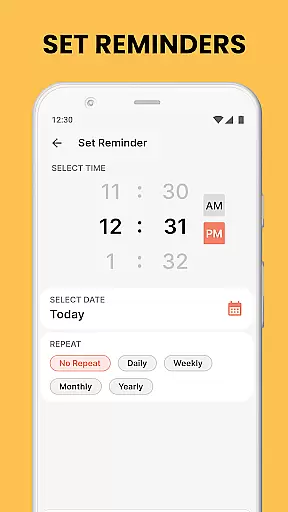
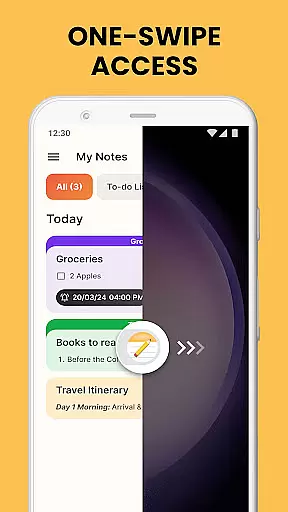
Notes Launcher is a productivity app designed to streamline note-taking and task management. The app allows users to create quick notes or to-do lists with a simple swipe from the home screen, making it an efficient tool for capturing thoughts on the go. Its integration with the home screen provides instant access to essential features like text formatting tools, color-coded notes, and secure lock options for sensitive information.
In addition to its core functionality, Notes Launcher offers organizational tools such as categorization, sorting filters, and an intuitive search feature. Users can personalize their experience by customizing wallpapers and adding widgets that display time and weather. Whether managing work tasks or planning personal projects, this app helps users stay organized while offering seamless sharing capabilities through email and social media platforms.
Notes Launcher stands out with its comprehensive set of features tailored for productivity enthusiasts. One of its key highlights is the one-swipe access functionality, which lets users instantly create notes or checklists without navigating through multiple screens. This feature is complemented by rich text formatting tools, enabling users to customize fonts, apply styles like italics or underlining, and create structured lists.
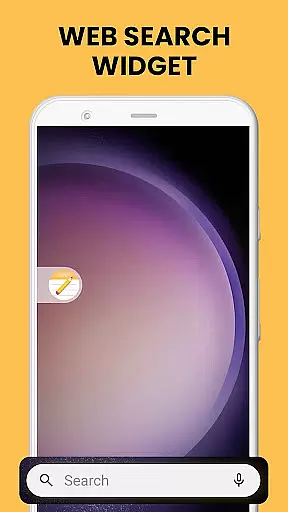
The app also supports advanced organizational features such as color-coding for prioritizing tasks, locking notes to secure confidential data, and categorizing entries into custom groups. Furthermore, users can sort their notes by modification date or creation order, ensuring easy retrieval. With multi-touchpoint search powered by Yahoo, finding specific notes or installed apps becomes effortless, enhancing overall usability.
Task management is at the heart of productivity applications, and Notes Launcher excels in this area by providing users with a comprehensive suite of tools to handle their daily tasks efficiently. The app allows users to create quick notes or to-do lists with just a swipe from the home screen, ensuring that no idea or responsibility is forgotten.
The application goes beyond simple note-taking by offering text formatting tools, enabling users to change font sizes, italicize or underline text, and even create bulleted or numbered lists. This attention to detail enhances the clarity and readability of each task, making it easier for users to understand and prioritize their work.
Notes can be color-coded, allowing for easy categorization and prioritization of information. Whether managing work tasks or planning weekend activities, the ability to visually distinguish between different types of notes adds a layer of organization that helps users stay on top of their responsibilities.
Furthermore, the app provides sorting filters that arrange notes by modification date or creation order, ensuring that users can quickly find what they need when they need it. This functionality not only saves time but also reduces stress, as users can trust that their most important tasks are always within reach.
In today's interconnected world, the ability to synchronize data across multiple devices is crucial for maintaining productivity. Notes Launcher addresses this need by ensuring that all notes and to-do lists are reliably synced across devices, allowing users to access their information wherever they are.
The app employs robust cloud technology to guarantee that every change made on one device is instantly reflected on all others. This seamless integration means that whether you're at home, in the office, or on the go, your notes will always be up-to-date and accessible.
Security is also a top priority, with Notes Launcher offering the option to lock sensitive notes. This feature ensures that personal or confidential information remains protected, even when accessed from different devices. Users can rest assured that their data is safe, regardless of where it is viewed or edited.
Additionally, the app supports sharing capabilities, enabling collaboration on group projects or family plans. By allowing notes to be shared via email, social media, and messaging apps, Notes Launcher fosters communication and teamwork, making it an invaluable tool for both personal and professional use.
User-friendly interface
Quick note creation
Secure lock feature
Customizable categories
Intuitive search tool
Home screen layout changes
Limited design flexibility
No cloud sync option
Basic widget features
Ads in free version

Seamlessly integrate data and reports to build your presentation to impress
 4.80
4.80
Take control of your clipboard with Clipper!
3.90
Direct Chat without saving contacts & Dual WA Account on Single Device
4.70
A lightweight JSON & XML files creator, editor and viewer (Premium Version)
4.40
Easiest event planning, volunteer signups & parent teacher conference scheduling
2.20
Calendar 2023 widget for Android. Appointment scheduler, planner, and reminder
4.60
This small app MUST BE INSTALLED after purchase, else license won't work
4.40
Simple notepad & memo. Take notes, to-do list, shopping list with reminders.
4.80
Seamlessly read, manage, and organize all your PDF files solution in one place
4.40
Android Wallet Password Manager
4.80
QuickBooks Workforce lets teams view pay info and track time in one place.
4.70
Quickly and easily keep track of your work shifts
4.70
Absolutely the best CNC machinist speed and feed calculator around. fswizard.com
4.60
All document reader, all in one file viewer read PDF, DOCX, XLS, PPT, TXT files.
4.60
To do list widget with a notebook organizer, checklist, simple shopping list
4.60
Access, manage and transfer files on Android, PC, Mac, NAS and cloud storages.
4.30
Easily read and manage all your PDF files
4.10
Auto-shutoff Alarm with Sunrise, Sunset & Fixed Options.
3.50
Ads Free App! Editor, Hide File, Copy, Move, Delete and Rename.. all facility av
1.70


User Reviews