
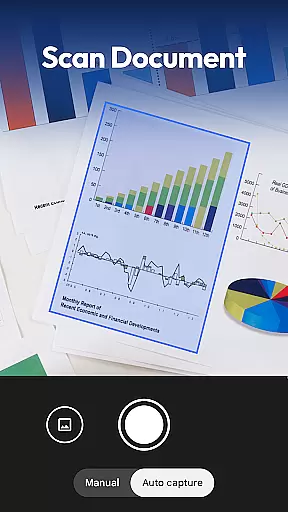
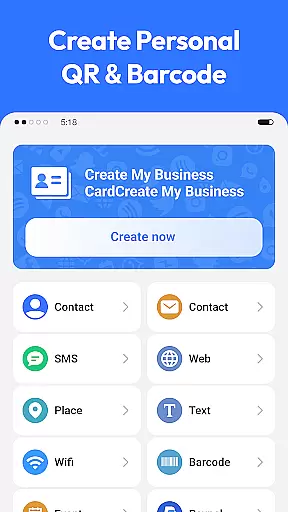
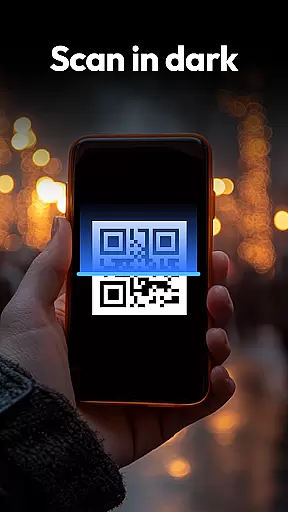
QR & Barcode Scanner is a versatile productivity tool designed to streamline various scanning tasks on Android devices. This all-in-one application specializes in decoding QR codes and barcodes while extending its capabilities to coin, banknote, food label, and document scanning.
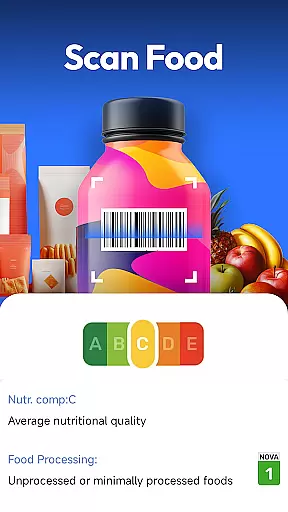
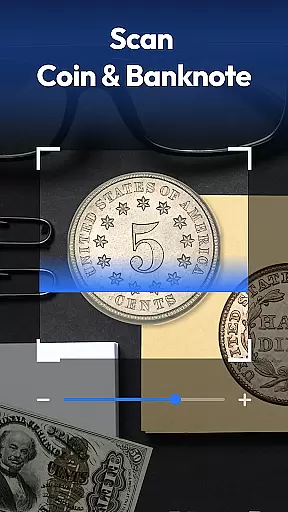
The app's standout feature is its comprehensive scanning ability that caters to multiple user needs - from shopping assistance through price comparison to helping collectors identify valuable coins and banknotes. Its integrated food scanner promotes healthier choices by providing instant access to nutritional information, while the document scanner transforms physical papers into digital PDFs efficiently.
With privacy-first design principles and smart functionalities like auto-zoom and flashlight support, this free app becomes an essential utility for both personal and professional use cases, making daily tasks more manageable and efficient.
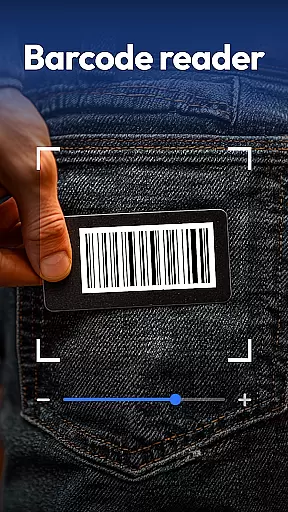
QR & Barcode Scanner distinguishes itself through a rich set of features tailored for productivity enthusiasts. The app supports an extensive range of formats including QR, Data Matrix, UPC, EAN, Code 39 among others, ensuring compatibility with virtually any code you might encounter.
Beyond traditional scanning, it offers specialized tools such as Coin & Banknote Identifier which proves invaluable for collectors and travelers alike. The Food Health Scanner provides detailed insights into nutrition facts, additives, and health ratings directly from product barcodes - empowering users to make informed dietary decisions.
Additional highlights include a robust Document Scanner for converting physical documents into searchable PDFs, and a QR Code Generator for creating Wi-Fi, contact, and URL codes effortlessly. These features collectively enhance the app's value proposition across diverse use cases from personal organization to professional documentation needs.
Task management is essential for productivity applications as it helps users organize and prioritize their daily activities efficiently. QR & Barcode Scanner excels in this area by integrating multiple scanning functionalities into one cohesive platform.
The app allows users to manage various tasks such as scanning QR codes, barcodes, coins, banknotes, food labels, and documents seamlessly. This all-in-one approach eliminates the need for separate apps, streamlining the user's workflow.
With features like scan history and smart auto-zoom, users can easily track previous scans and ensure accuracy even in challenging lighting conditions. These capabilities enhance the overall task management experience, making it more reliable and efficient.
By consolidating diverse scanning needs into a single app, QR & Barcode Scanner empowers users to handle multiple tasks without switching between different tools, thus boosting productivity significantly.
Cross-device synchronization is crucial for users who rely on consistent data access across multiple devices. QR & Barcode Scanner ensures reliable synchronization, allowing users to access their scan history and generated QR codes from any device with ease.
The app employs robust cloud-based technology to maintain real-time updates of scanned data. Whether you're using a smartphone, tablet, or computer, your information remains up-to-date and accessible wherever you go.
Moreover, the privacy-first design guarantees that only necessary permissions are requested, ensuring user data remains secure during synchronization. This focus on security builds trust and enhances user confidence in the app's reliability.
By providing dependable cross-device synchronization, QR & Barcode Scanner ensures that users have uninterrupted access to their important data, facilitating a seamless and productive scanning experience across all their devices.
Fast scanning speed
All-in-one functionality
Privacy-focused design
User-friendly interface
Free with no ads
Limited iOS availability
Occasional scanning errors
No cloud sync option
Basic PDF editing
Heavy file size

When you Focus, so will your Bean in this cozy focus timer
 4.30
4.30
CalenGoo is a very flexible and feature-rich calendar app
4.40
Font maker keyboard with your own handwriting
4.10
Code on-the-go with VScode for Android. Edit,debug and collaborate from mobile!!
3.10
Tally and goal counter for Wear OS & mobile
4.50
Docker, Kubernetes management over Portainer Mobile
4.40
To do list widget with a notebook organizer, checklist, simple shopping list
4.60
AT&T Internet customers can use this app to personalize their Wi-Fi network.
4.40
Set up, print, and get support—in one place
4.20
8 custom complications. Custom Time Fonts. Beautiful color schemes. A++ Design.
5.00
Absolutely the best CNC machinist speed and feed calculator around. fswizard.com
4.60
App Lock with fingerprint, password: Lock apps & hide photos with lock screens
4.60
Access your phone's notifications, calls, apps, photos & texts on your PC
3.90
A Revolutionary All-in-One Artificial Intelligence Tools
3.80
All in one sketching tool. Technical and General drawing. Online Maps support.
3.70
Find and delete junk files & block unwanted notifications & manage files
3.70
Make your handwriting beautiful, even more than pen on paper.
3.60
Auto-shutoff Alarm with Sunrise, Sunset & Fixed Options.
3.50
ID.me Authenticator is a simple and free Two Factor Authentication solution
3.50


User Reviews