
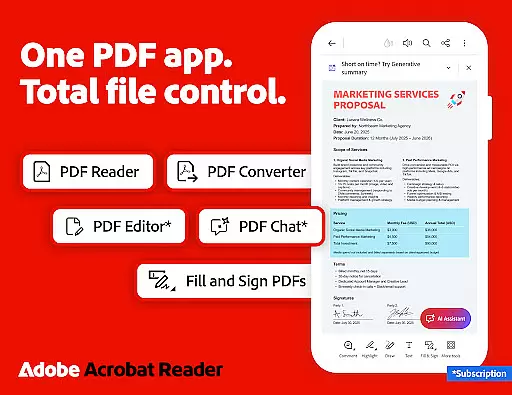
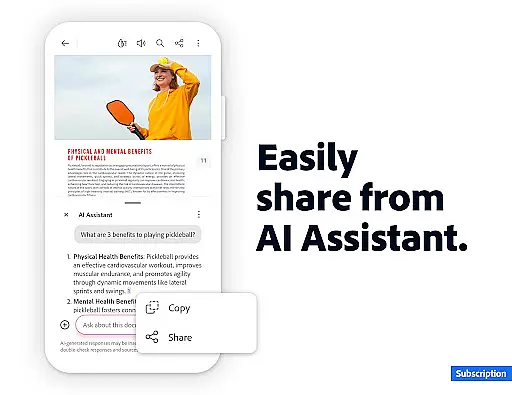
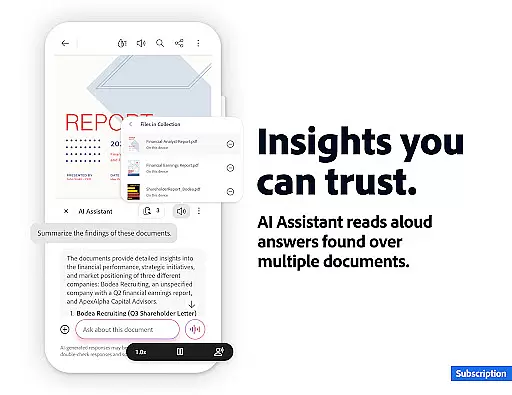
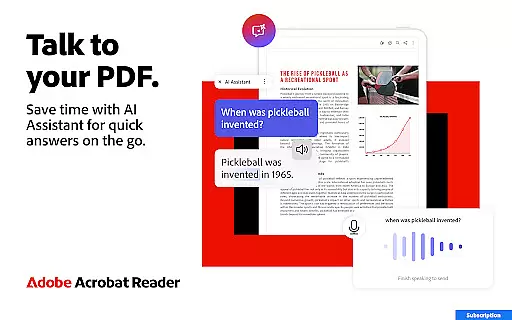
Adobe Acrobat Reader is a comprehensive PDF solution that combines document viewing, editing, and collaboration features. The app's standout feature is the new Adobe Acrobat AI Assistant, which allows users to work across multiple files using PDF Spaces, ask questions about document content through a chatbot, and generate instant summaries with Generative AI.
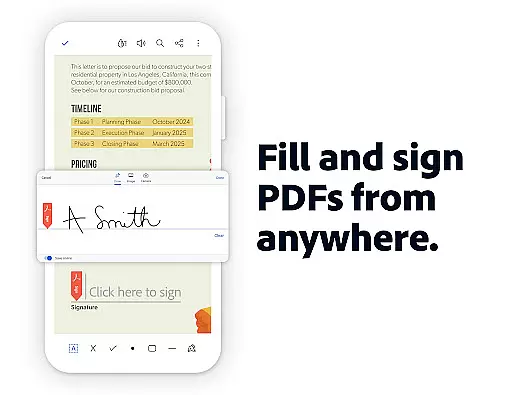
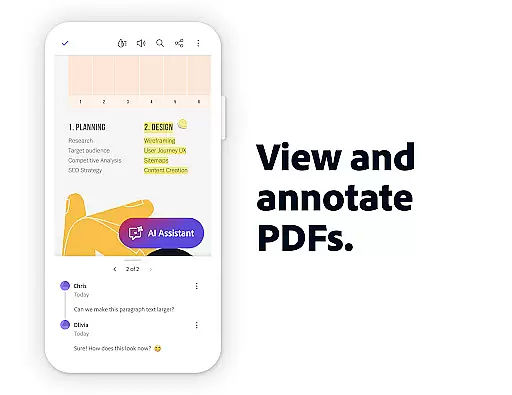
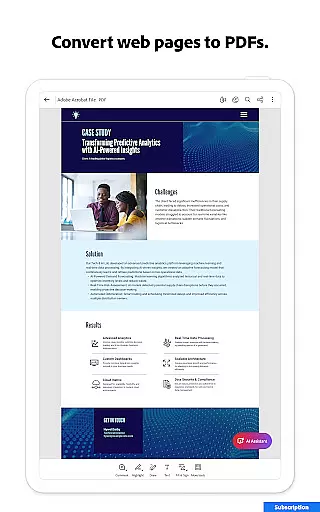
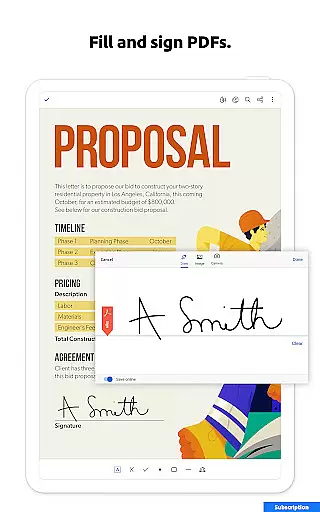
The application supports essential PDF tasks such as editing text and images, converting files to and from PDF format, compressing documents, and adding signatures. With over 635 million installs worldwide, it provides both free features like document signing and annotation, and premium capabilities including OCR and advanced editing tools.
Ideal for professionals who frequently handle PDF documents, Adobe Acrobat Reader enables efficient document management while offering AI-powered productivity enhancements. Its cross-platform functionality ensures users can access their files and utilize its features on both mobile devices and desktop computers.
Adobe Acrobat Reader distinguishes itself through its robust set of features designed for modern document workflows. The AI Assistant represents a significant advancement, enabling users to interact with PDFs through natural language queries and voice commands. This functionality extends to extracting cited answers from complex document elements like charts and graphs.
The app excels in document manipulation capabilities, allowing users to edit PDF content directly, merge or split documents, and convert files between various formats. Its integration with cloud storage services and enterprise mobility management systems makes it particularly valuable for business users.
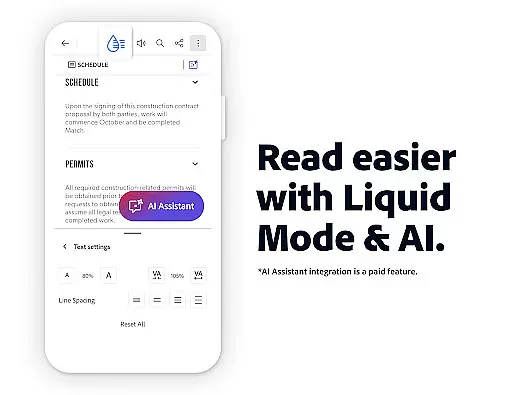
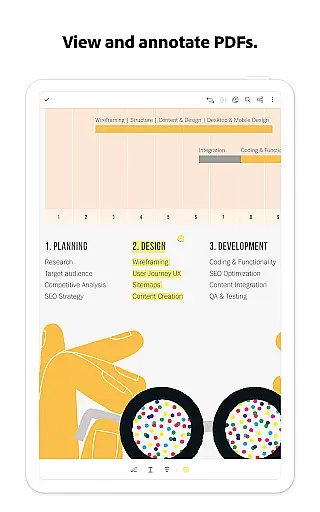
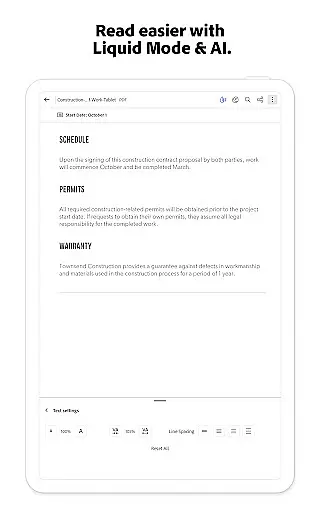
Additional notable features include Liquid Mode for optimized reading on mobile devices, comprehensive annotation tools, and accessibility features such as text-to-speech functionality. The ability to collaborate on documents in real-time and manage comments efficiently enhances its value as a productivity tool.
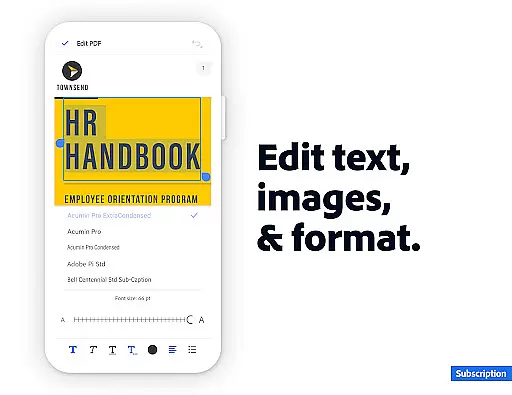
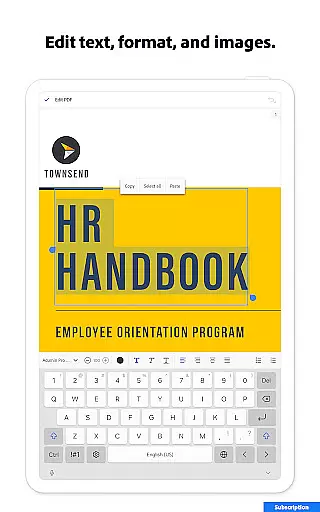
Core task management in Adobe Acrobat Reader encompasses a wide range of features that streamline PDF handling. The app allows users to edit text and images directly within PDFs, making document adjustments seamless and efficient.
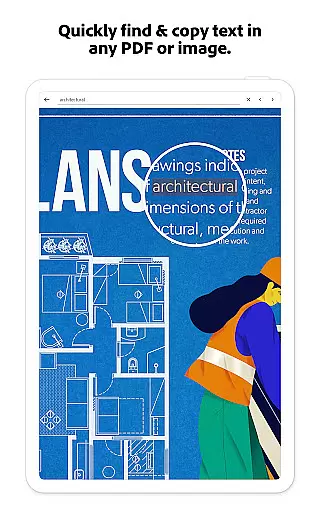
With Optical Character Recognition (OCR), scanned PDFs are transformed into searchable and editable text, enhancing productivity by enabling content reuse across different formats. This functionality is crucial for users who frequently work with legacy documents or scanned materials.
The app's ability to merge, split, and organize multiple files into one PDF simplifies complex document workflows. Users can easily insert, delete, rotate, crop, and reorder pages, ensuring their PDFs are well-structured and professional-looking.
These comprehensive task management capabilities ensure that users can efficiently handle various document types, from simple edits to complex file manipulations, all within a single application.
Cross-device synchronization reliability is a standout feature of Adobe Acrobat Reader, allowing users to access their PDFs across multiple devices seamlessly. By linking online storage accounts like Microsoft OneDrive, Dropbox, or Google Drive, users can store and manage their files in the cloud.
This synchronization ensures that documents are always up-to-date and accessible, regardless of the device being used. Whether on a mobile phone, tablet, or desktop, users can pick up where they left off, with all annotations and edits preserved.
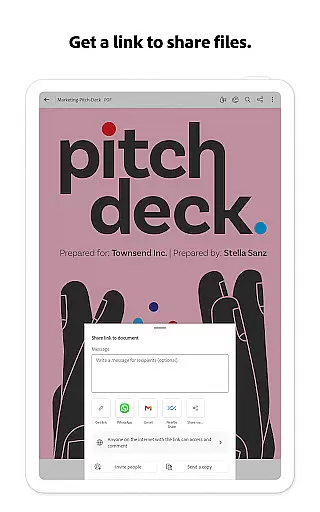
Acrobat Reader also supports real-time collaboration, enabling users to share files for commenting or viewing. Activity notifications keep everyone informed about updates and changes, fostering efficient teamwork and communication.
By providing reliable cross-device functionality, Adobe Acrobat Reader ensures that users can work flexibly and efficiently, without worrying about version control or data loss.
Industry-leading PDF functionality
Innovative AI-powered features
Comprehensive editing tools
Strong security options
Cross-platform compatibility
Premium features expensive
Complex interface for beginners
Some features Android-only
AI tools time-limited free trial
Occasional performance issues

Wake up & get tasks done! Add alarms & reminders on the Clock Launcher.
 4.00
4.00
Direct Chat without saving contacts & Dual WA Account on Single Device
4.70
Send files, sync SMS, notifications & clipboard across devices via local network
4.40
Mind Map and brainstorm, note taking and idea collection
4.80
Stay on top of your to-dos with Google Tasks, part of Google Workspace.
4.60
Code on-the-go with VScode for Android. Edit,debug and collaborate from mobile!!
3.10
Best Tool for the professionals Electrician, Electrical contractors, etc.
4.90
Experience and share your SolidWorks designs on your Android® phone and tablet.
2.50
AI Chatbot and AI writing assistant powered by ChatGPT.
4.60
Great calculator for Android named one of USA TODAY's "25 Essential Apps".
4.90
Use powerful, industry-leading AI tools to generate visual charts from any data
4.80
Secure, fast, open-source, VNC and SSH Remote Desktop for Windows, Linux and Mac
4.70
Scan paperwork into PDF/JPG, generate your own e-signature and send fax or email
4.70
To do list widget with a notebook organizer, checklist, simple shopping list
4.60
Lightweight PDF, Word, Excel reader.
4.60
Planet Free VPN - The best Fast Unlimited and Secure VPN Without Logs
4.50
Share files & memories safely. Keep your photos and videos secure.
4.40
Font maker keyboard with your own handwriting
4.10
All in one sketching tool. Technical and General drawing. Online Maps support.
3.70


User Reviews