
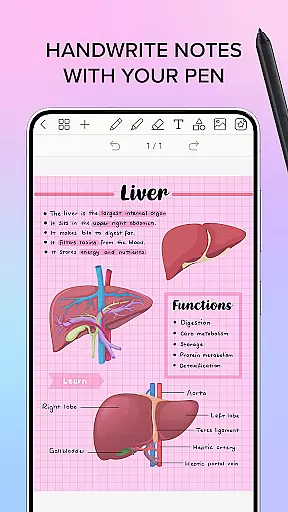
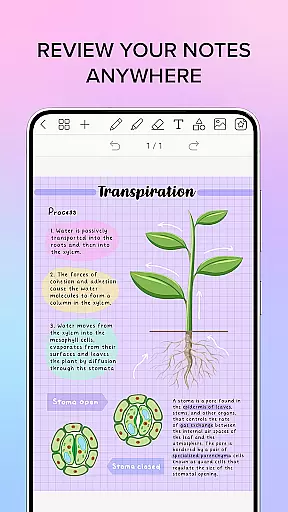
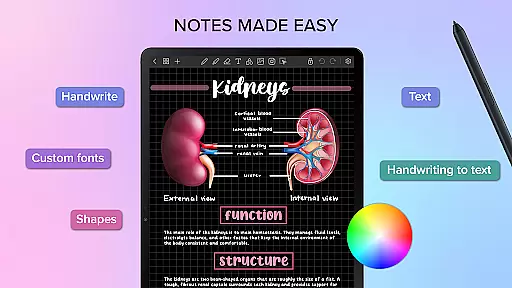
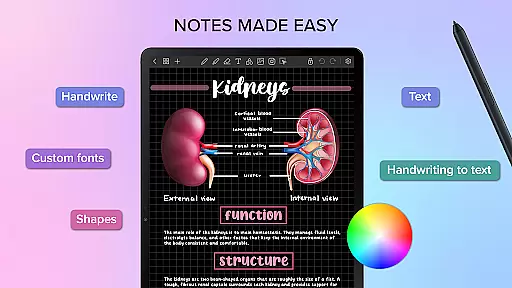
Penly is a comprehensive digital planner, journal, and note-taking app designed to enhance both creativity and productivity. With its intuitive interface, users can smoothly handwrite notes while utilizing smart tools like automatic handwriting-to-text conversion, highlight and underline features, and the ability to transform, group, and lock objects.
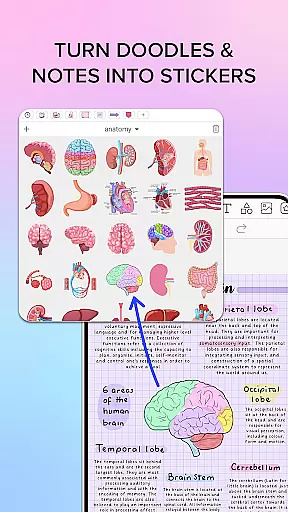
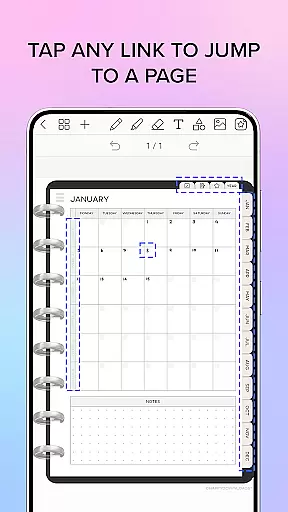
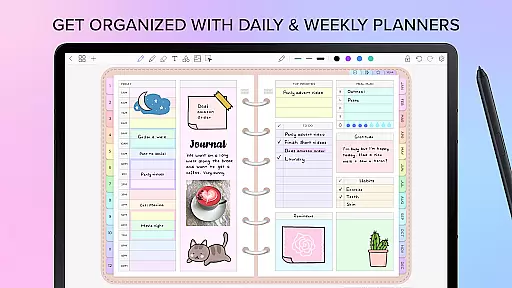
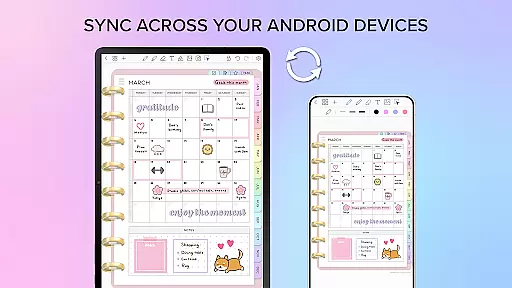
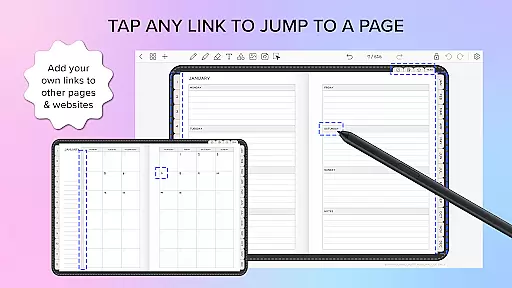
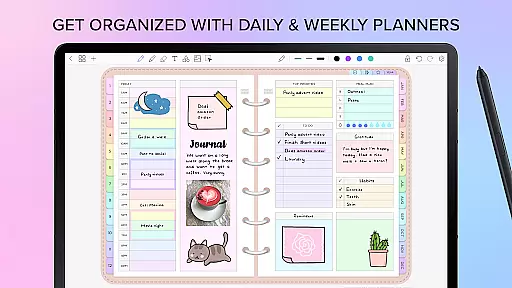
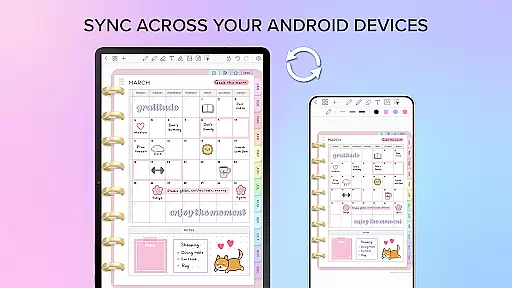
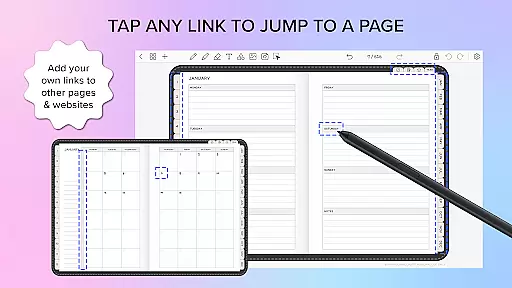
The app includes four digital planners with hyperlinked pages, undated and reusable templates, and various styles. Users can import any PDF file, create custom hyperlinks, and organize stickers and images efficiently. Penly also supports syncing between Android devices via Google Drive, ensuring seamless access across multiple platforms.
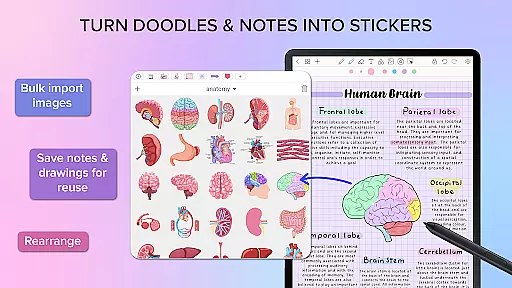
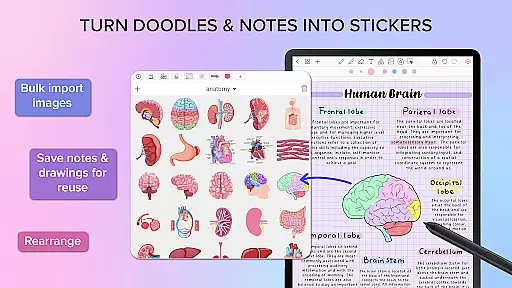
Penly offers an array of powerful features tailored for productivity enthusiasts. The app provides text, image, and shape tools alongside the ability to create sticker collections and import custom fonts. Its smooth handwriting recognition and smart eraser make note-taking effortless.
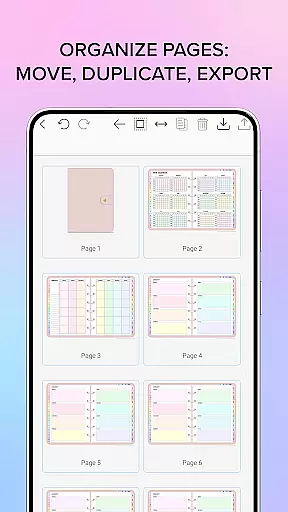
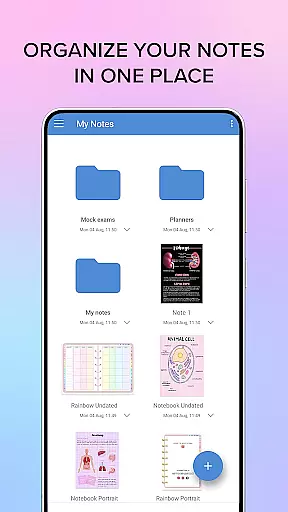
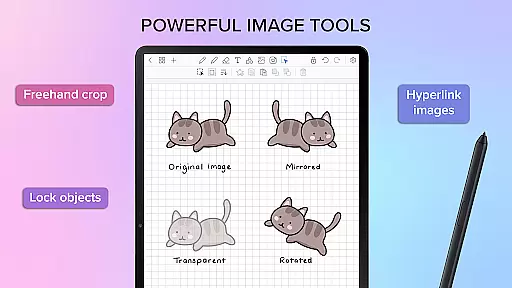
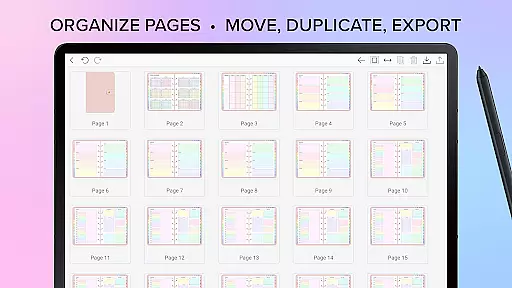
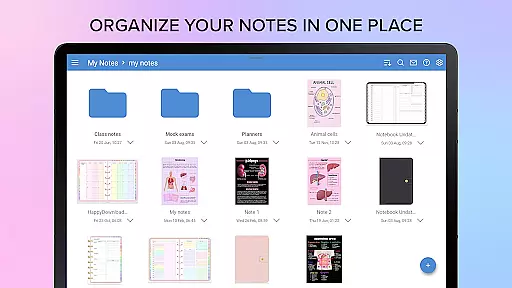
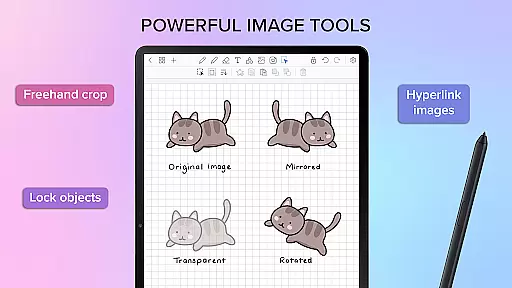
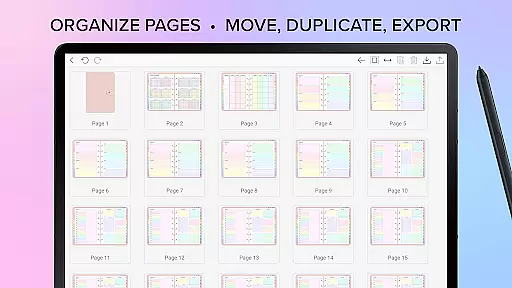
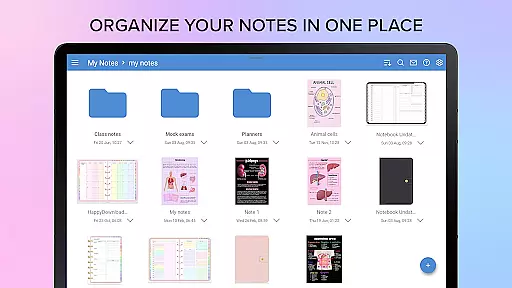
Users can organize pages and documents using folders and sub-folders, rearrange pages, and manage their files efficiently. Additionally, Penly allows the creation of hyperlinks within documents, bulk importing of stickers, and editing capabilities such as mirroring, flipping, cropping, and adjusting image opacity, enhancing the overall user experience.
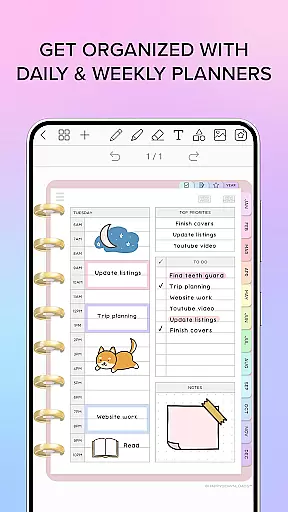
Penly offers a comprehensive suite of tools for managing tasks and organizing your digital life. The app includes four digital planners with hyperlinked pages, allowing users to navigate seamlessly between monthly, weekly, and daily views.
With undated and reusable templates, you have the flexibility to customize your planning experience. Whether you prefer landscape or portrait orientation, Penly provides options to suit your style, including rainbow and black minimal designs.
The inclusion of to-do list and note templates ensures that all aspects of task management are covered. Users can easily track their responsibilities and ideas in one cohesive space, boosting both productivity and creativity.
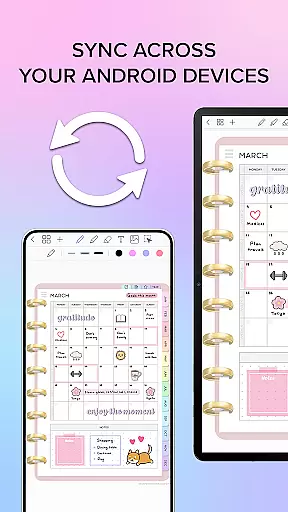
One of Penly's standout features is its reliable cross-device synchronization. By linking Google Drive to the app, users can sync their data across multiple Android devices effortlessly.
This synchronization can be performed manually or set to occur automatically whenever the app is opened or closed. This ensures that your planners, notes, and documents are always up-to-date, regardless of which device you're using.
Documents reopen exactly where you left off, providing a seamless transition between devices. This feature is particularly beneficial for users who work on multiple devices throughout the day, ensuring continuity and reliability in their productivity workflow.
User-friendly interface
Handwriting to text feature
Versatile PDF support
Efficient organization tools
Cross-device syncing
Limited language support
No iOS compatibility
Premium pricing
Learning curve for new users
Occasional sync issues

Take control of your clipboard with Clipper!
 3.90
3.90
Professional calendar app for Google Calendar, MS Outlook & Exchange
4.20
Wake up & get tasks done! Add alarms & reminders on the Clock Launcher.
4.00
A simple, portable logger for POTA, SOTA, Field Day, and more
4.3
CalenGoo is a very flexible and feature-rich calendar app
4.40
Enjoy classic gameplay with customizable features and retro-style graphics.
4.30
Code on-the-go with VScode for Android. Edit,debug and collaborate from mobile!!
3.10
Access your phone's notifications, calls, apps, photos & texts on your PC
3.90
Browse and view your photos and videos from the phone with photo & video hide.
4.10
Multilingual translator for text, voice, and image translation!
4.90
Use powerful, industry-leading AI tools to generate visual charts from any data
4.80
The long-awaited modern gallery app for your Nextcloud server
4.70
The AI assistant that thinks with you - write, code, and solve complex tasks
4.60
Tally and goal counter for Wear OS & mobile
4.50
Send files, sync SMS, notifications & clipboard across devices via local network
4.40
A customizable calendar for your Wear OS watch
4.20
Ultimate Virtual AI Character for immersive Roleplay Chat. Perfect Companion
3.90
Mega cloud explorer plugin for Solid Explorer
3.80
Find and delete junk files & block unwanted notifications & manage files
3.70


User Reviews